
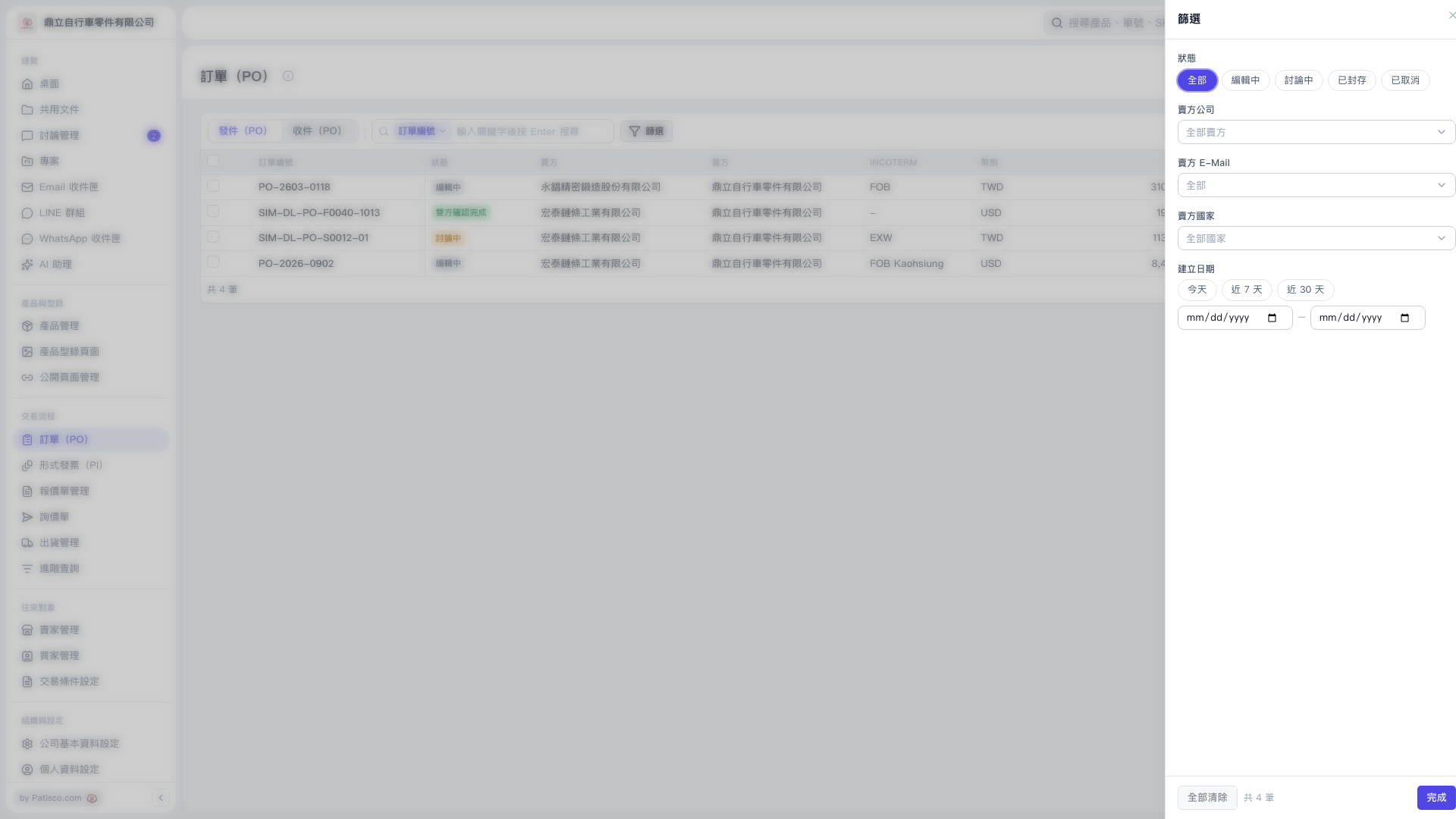
1. Above the PO list, select “Sent (PO)” or “Received (PO).” 2. Click “Filter” to the right of the search bar to open the filter sidebar on the right. 3. Select “All,” “Editing,” “Under Discussion,” “Archived,” or “Canceled,” and select “Seller Company,” “Seller E-Mail,” and “Seller Country” from the drop-down menus as needed. 4. Under “Creation Date,” select “Today,” “Last 7 Days,” or “Last 30 Days,” or enter a start date and end date manually. 5. Click “Done” in the lower-right corner to view the filtered PO list.
 V5 新桌面版|訂單(PO)