
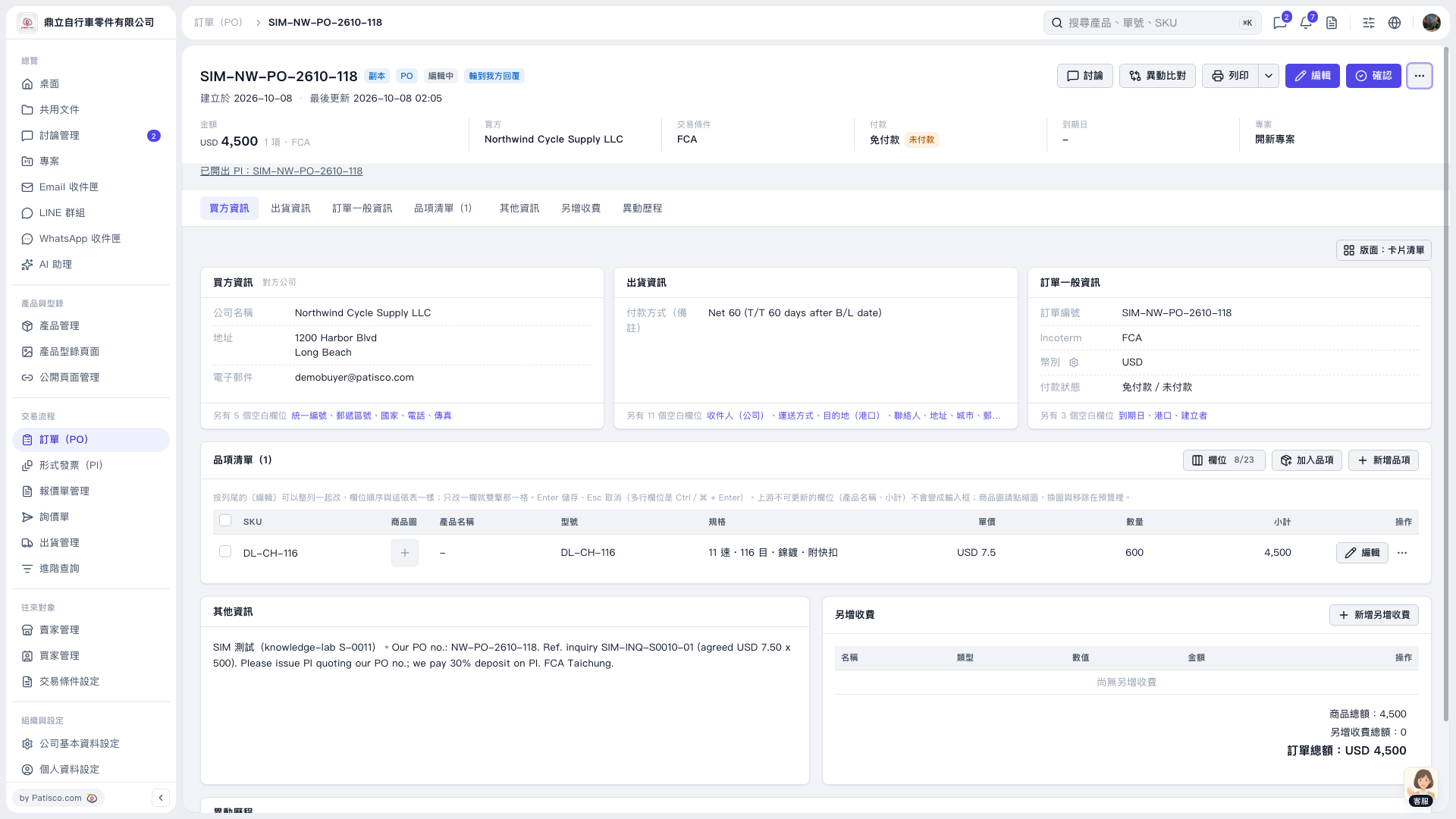
1. Check the contents on the PO copy page, then click “Confirm” in the upper-right corner. 2. If this PO has already been converted to a PI, a reminder appears: converting it again will create another PI and send another notification to the buyer. 3. To avoid issuing a duplicate, click “Cancel”. You will remain on the PO copy page, and no new PI will be created. 4. If you do need to issue another PI, click “Create Another PI Anyway”.
 V5 新桌面版|SIM–NW–PO–2610–118