
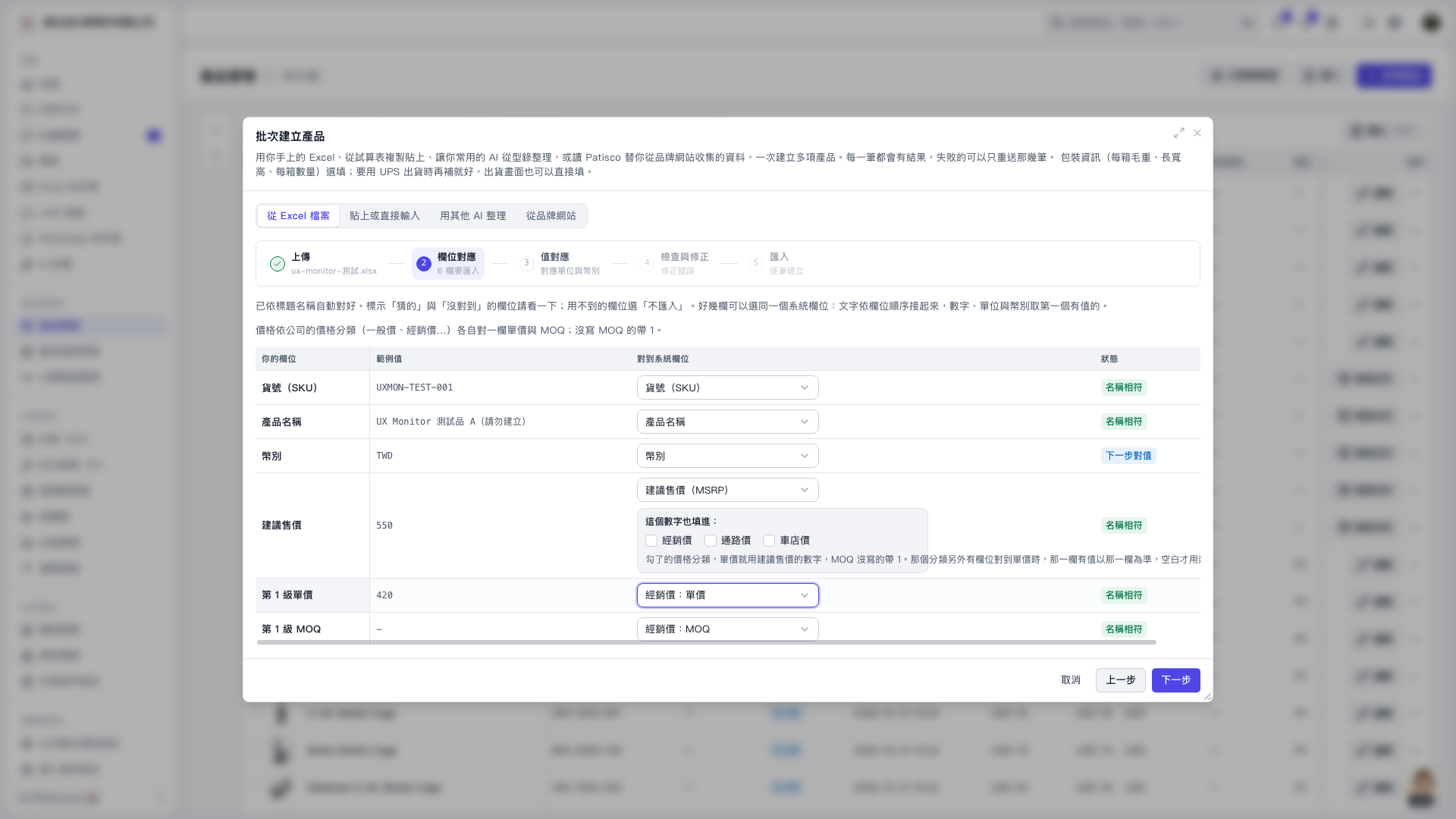
1. In the “From Excel File” workflow under “Create Products in Bulk,” review “Your Column,” “Sample Value,” and the automatic mapping results. 2. Adjust the mapping using the “Map to System Field” dropdown in each row. Select “Do Not Import” for columns you do not need. 3. After confirming the column mappings, click “Next” to map unit and currency values.
 V5 新桌面版|批次建立產品