
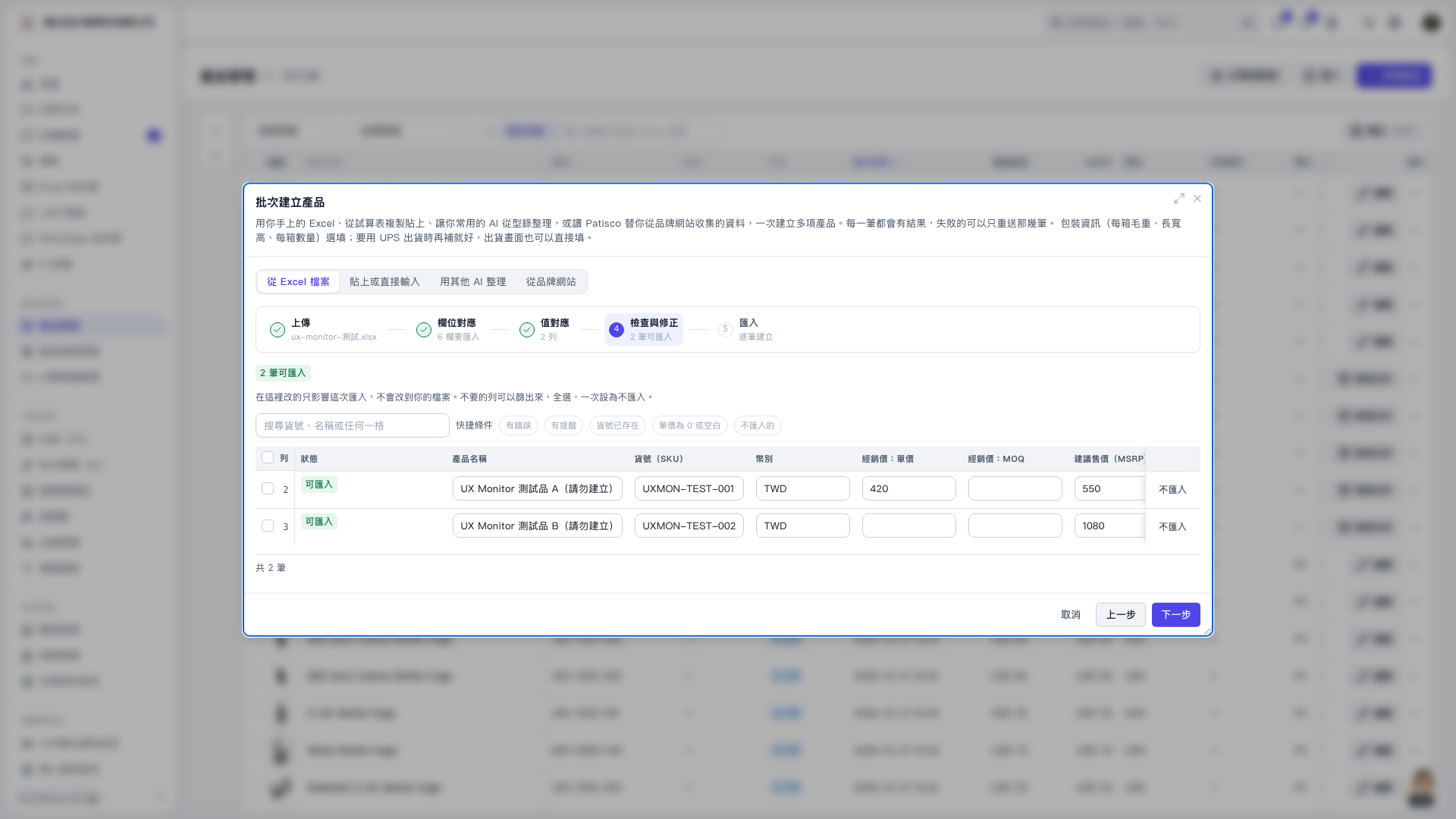
1. In the “Review and Correct” step under “Create Products in Bulk,” check “Dealer Price: MOQ” in the table. If it is left blank, the default value of 1 is used when the products are created. 2. If you need a different minimum order quantity, enter the value directly in “Dealer Price: MOQ.” Changes here apply only to this import and do not modify the original Excel file. 3. After reviewing the data, click “Next” to proceed to the import step.
 V5 新桌面版|批次建立產品