
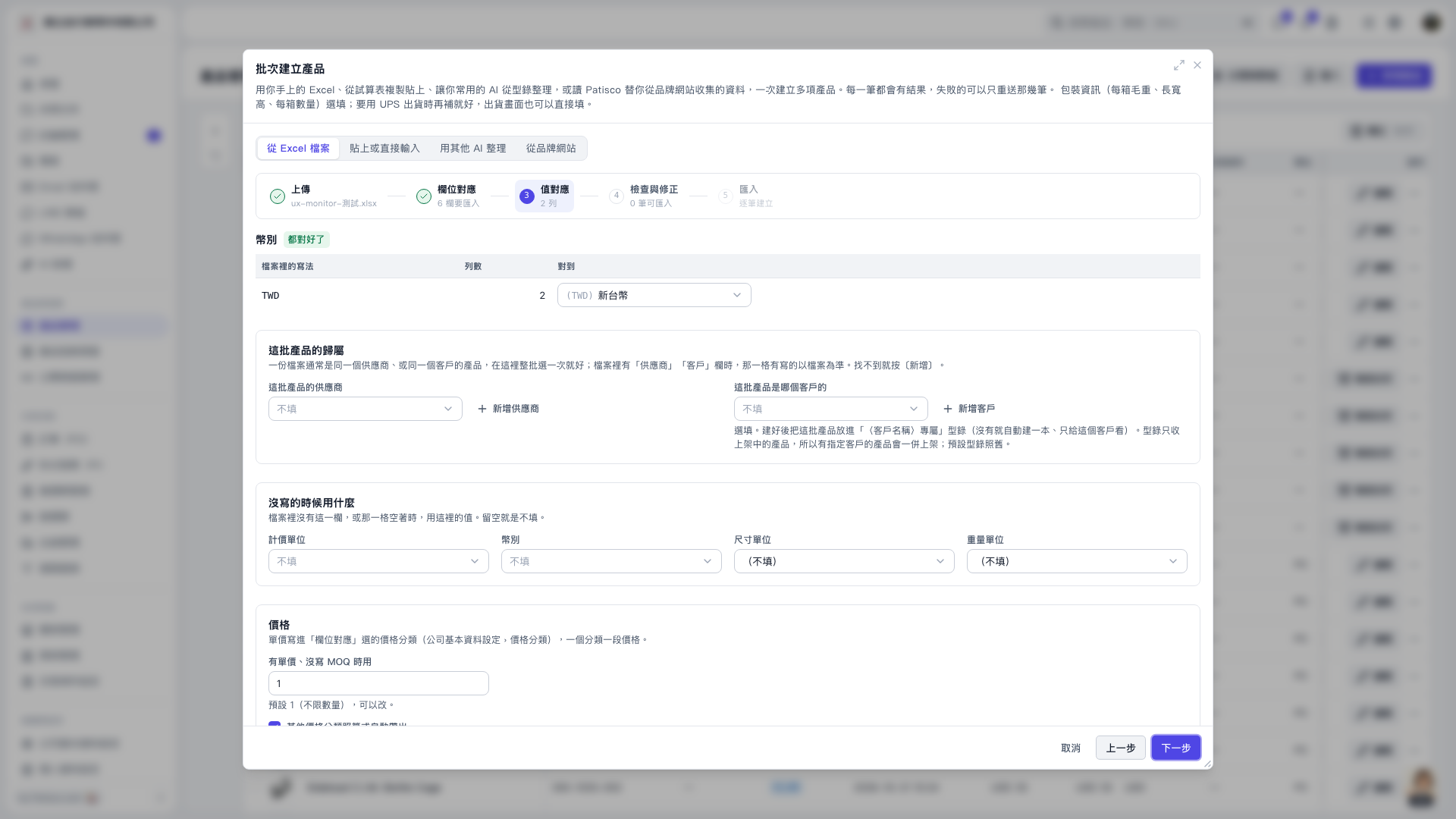
1. Under “Defaults for Missing Values,” set “Pricing Unit,” “Currency,” “Dimension Unit,” and “Weight Unit.” These settings apply when a column is missing from the file or a cell is blank. Leave a setting blank to leave the corresponding values empty. 2. Set the value for “Use When a Unit Price Is Provided but MOQ Is Missing.” You can adjust it as needed. 3. Confirm that currencies in the file are mapped to the correct options, then click “Next” to go to “Review and Correct.”
 V5 新桌面版|批次建立產品