
1. In the left sidebar, click “Buyer Management” under “Business Partners”, then click the buyer you want to view. 2. Find the “Trading Conditions” section on the buyer's details page. If no trading conditions have been assigned to this buyer, you will see: “No trading conditions have been assigned to this buyer yet. Go to Trading Condition Setting to add this buyer.” 3. Click [Go to Trading Condition Setting] on the right side of the section or in the upper right of the page to open the trading conditions list. 4. In Trading Condition Setting, add this buyer to the set of conditions you want to use. This is the normal message when trading conditions have not been set. It does not mean that data failed to load.
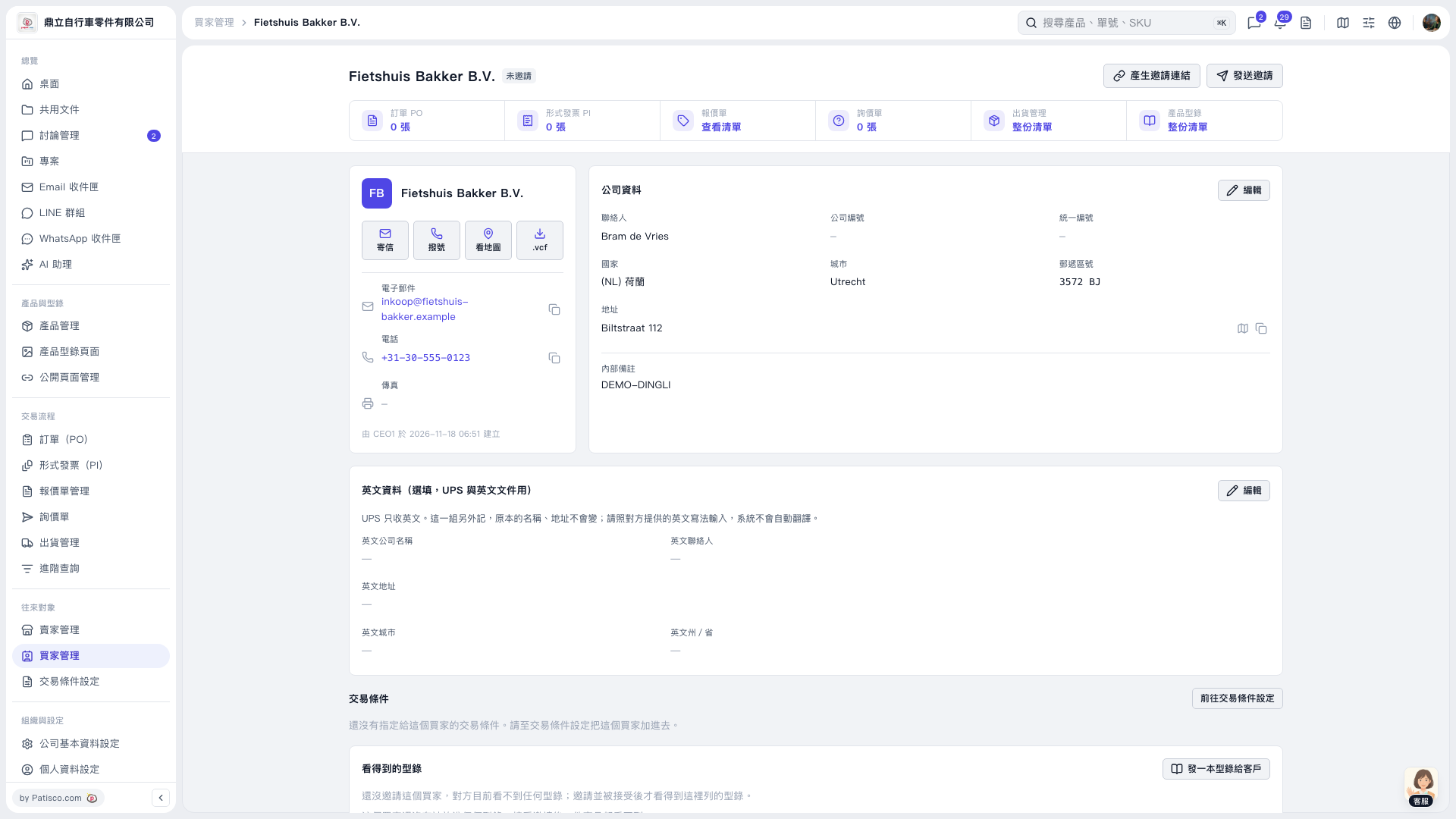 V5 新桌面版|Fietshuis Bakker B.V.(買家詳情,狀態:未邀請)