
1. In the Buyer Management list, click a buyer who has not been invited to open the buyer details page. 2. In the toolbar at the top right, choose one of the following as needed: - Click [Generate Invitation Link], then copy the link and send it to the buyer yourself. - Click [Send Invitation] to have the system email the invitation directly to the buyer. 3. After sending the invitation, return to the buyer details page and check whether the buyer's status has been updated. Reminder: If you only generate a link or leave without clicking [Send Invitation], the system will not automatically email an invitation.
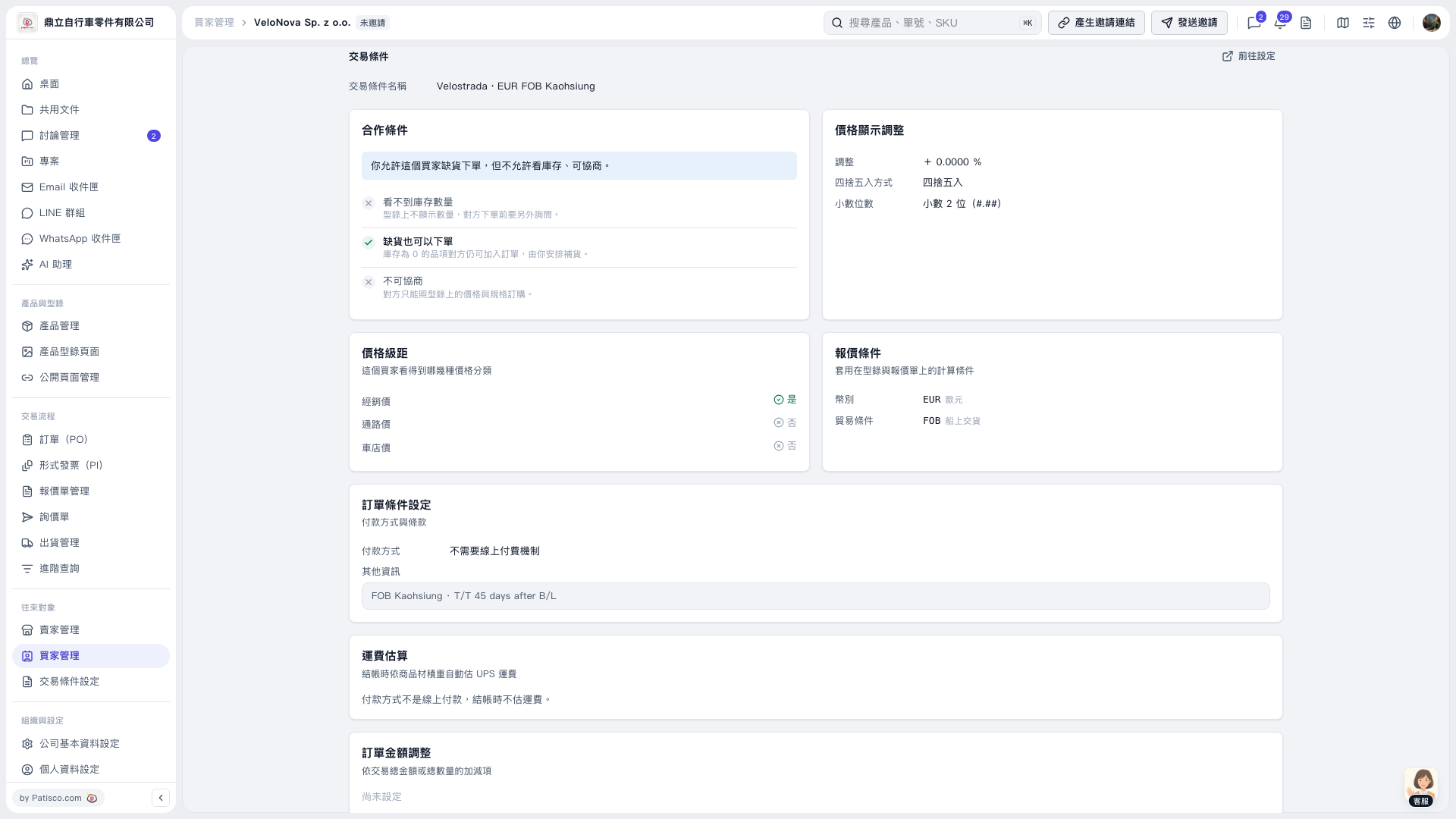 V5 新桌面版|VeloNova Sp. z o.o.(買家詳情,目前捲動到「交易條件」區塊)