
1. Click [Cancel] in the [Send Invitation] window. 2. The system asks for confirmation. Click [Discard Changes] to close the window. If you close the window without clicking [Submit], no invitation is sent. The buyer's status remains “Not Invited”, and no trading conditions are assigned. If you want to share the invitation yourself, click [Generate Invitation Link] in the upper right instead, copy the link, and send it to the buyer by email, LINE, or WhatsApp.
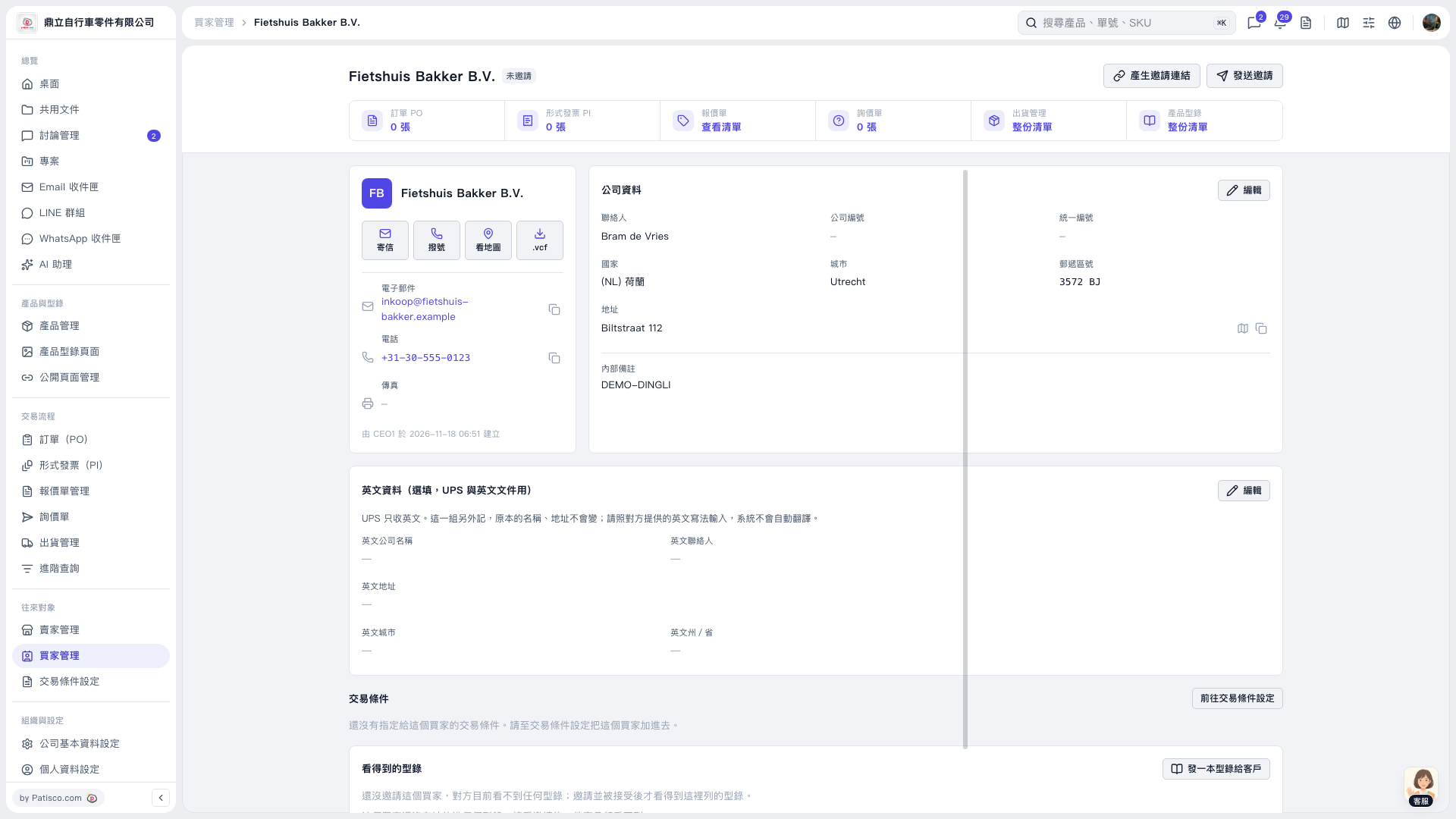 V5 新桌面版|Fietshuis Bakker B.V.(買家詳情頁,狀態:未邀請)