
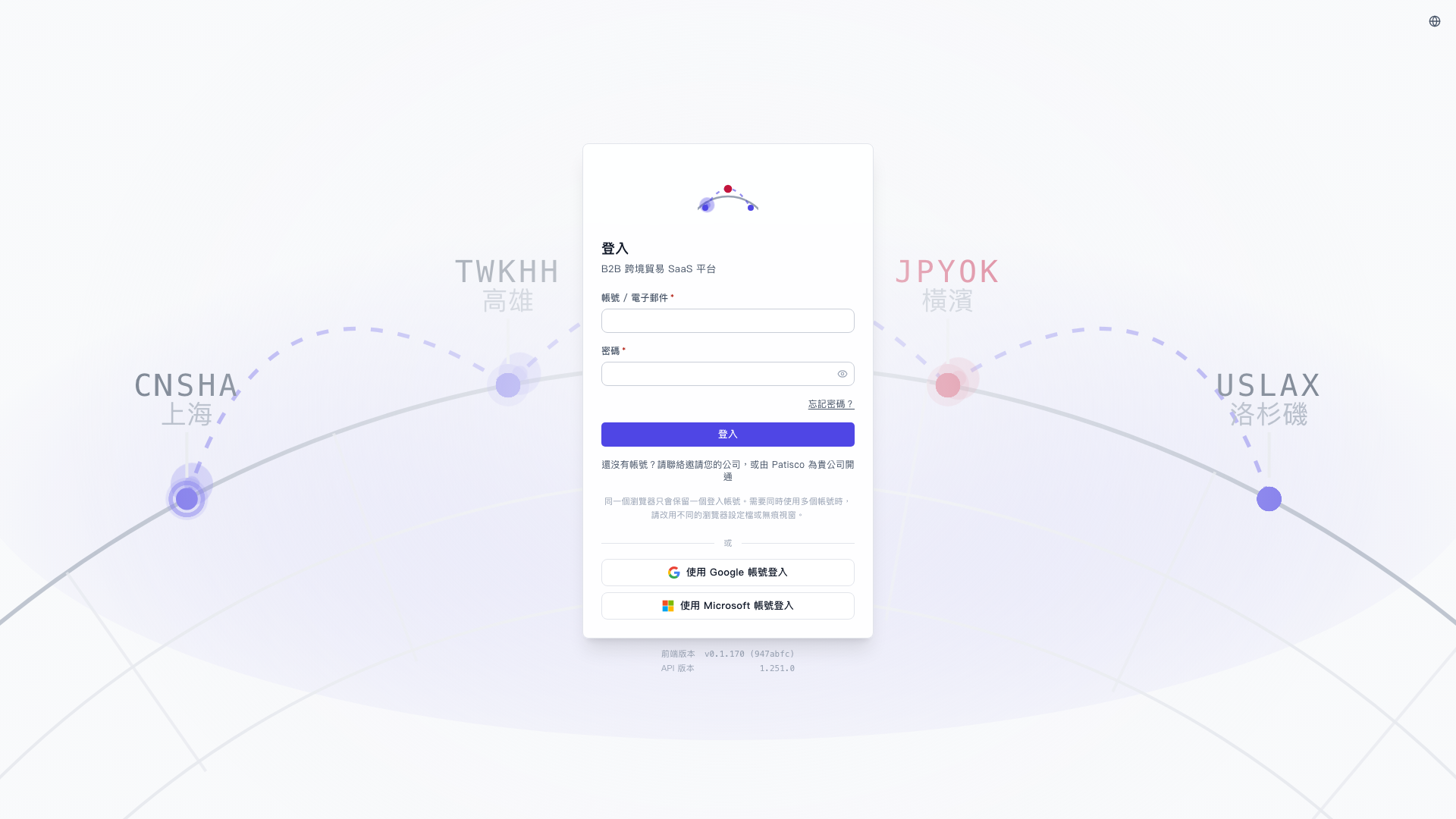
1. Open https://v5.patisco.com/login. 2. You do not need to enter an account or password. Look below the "or" divider under the card. 3. To use a Google account, click "Sign in with Google". To use a Microsoft account, click "Sign in with Microsoft" at the very bottom of the card. 4. Complete the authorization on the third-party screen to enter the system.
If the interface language is not the one you want, click the language switcher (globe icon) at the upper right to change it.
This step has no AI assistant Q&A content to quote, so no "You can ask like this" or "How the AI will reply" examples are listed separately.
 V5 新桌面版|登入