
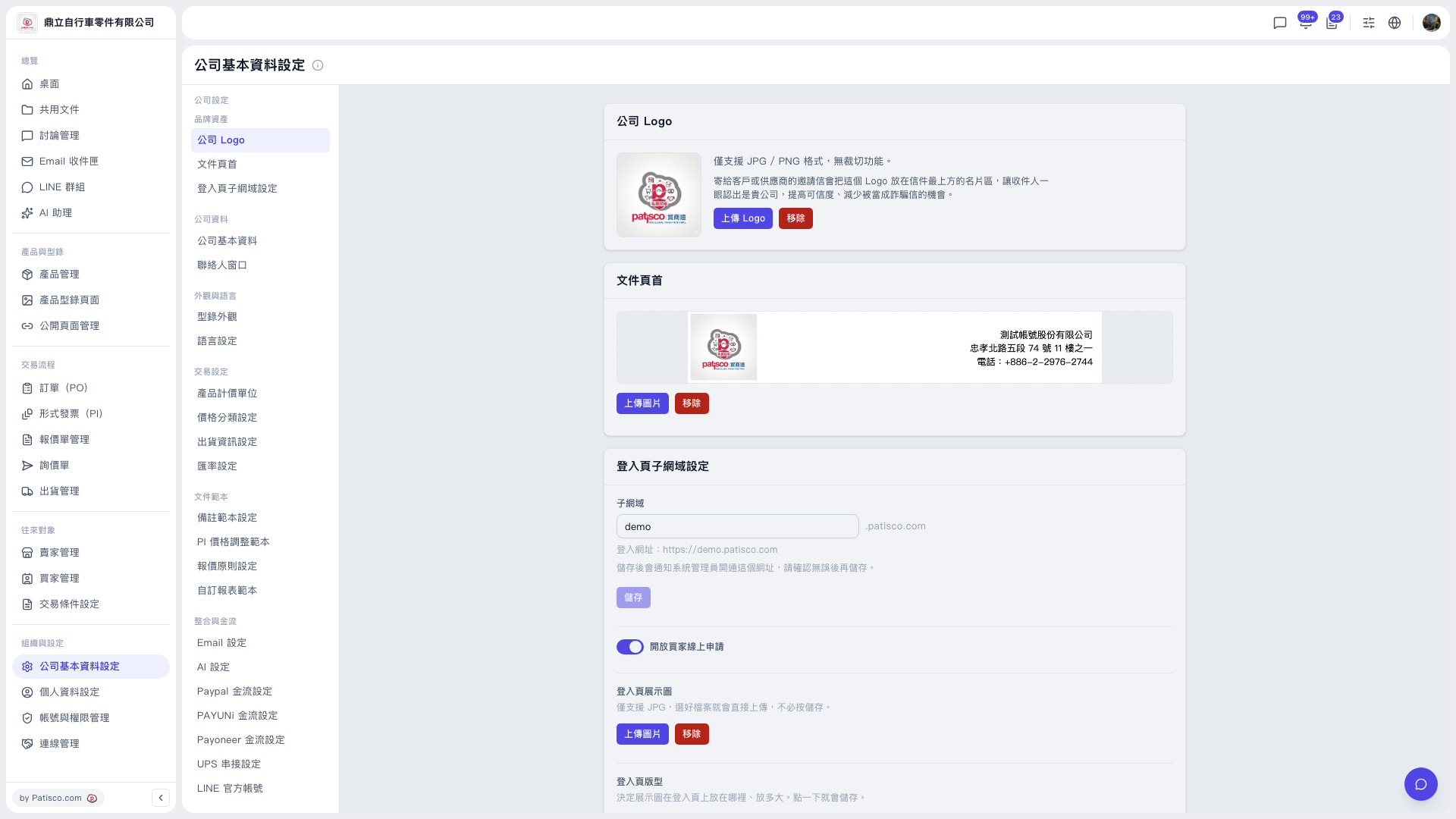
1. In the left main menu, under "Organization & Settings", click "Company Profile Settings". 2. In the second-level left menu, find the "Integrations & Payments" group and click "AI Settings". 3. Under "Enabled AI provider", choose Claude or ChatGPT. 4. In the "Claude model" dropdown, choose a model. Claude Sonnet 5 and Claude Haiku 4.5 are available on the screen. 5. Enter the API Key. 6. Click "Update settings" for the changes to take effect.
Note: Saving the API Key also activates the feature, and the provider and model must be submitted together, so always click [Update settings] after making changes. To turn the feature off, click "Disable".
 V5 新桌面版|公司基本資料設定