
1. First, change the provider, model, or API Key on the "AI Settings" page. 2. Click "Update settings" to save the changes upstream. 3. Then click "Test connection". The system actually calls the provider once, which takes a few seconds, so please wait.
Note: The test uses the settings that have already been saved upstream. Changes on the screen that you have not saved with [Update settings] will not be tested. So if you have just changed the model or API Key, be sure to click "Update settings" before testing; otherwise the test still uses the old settings.
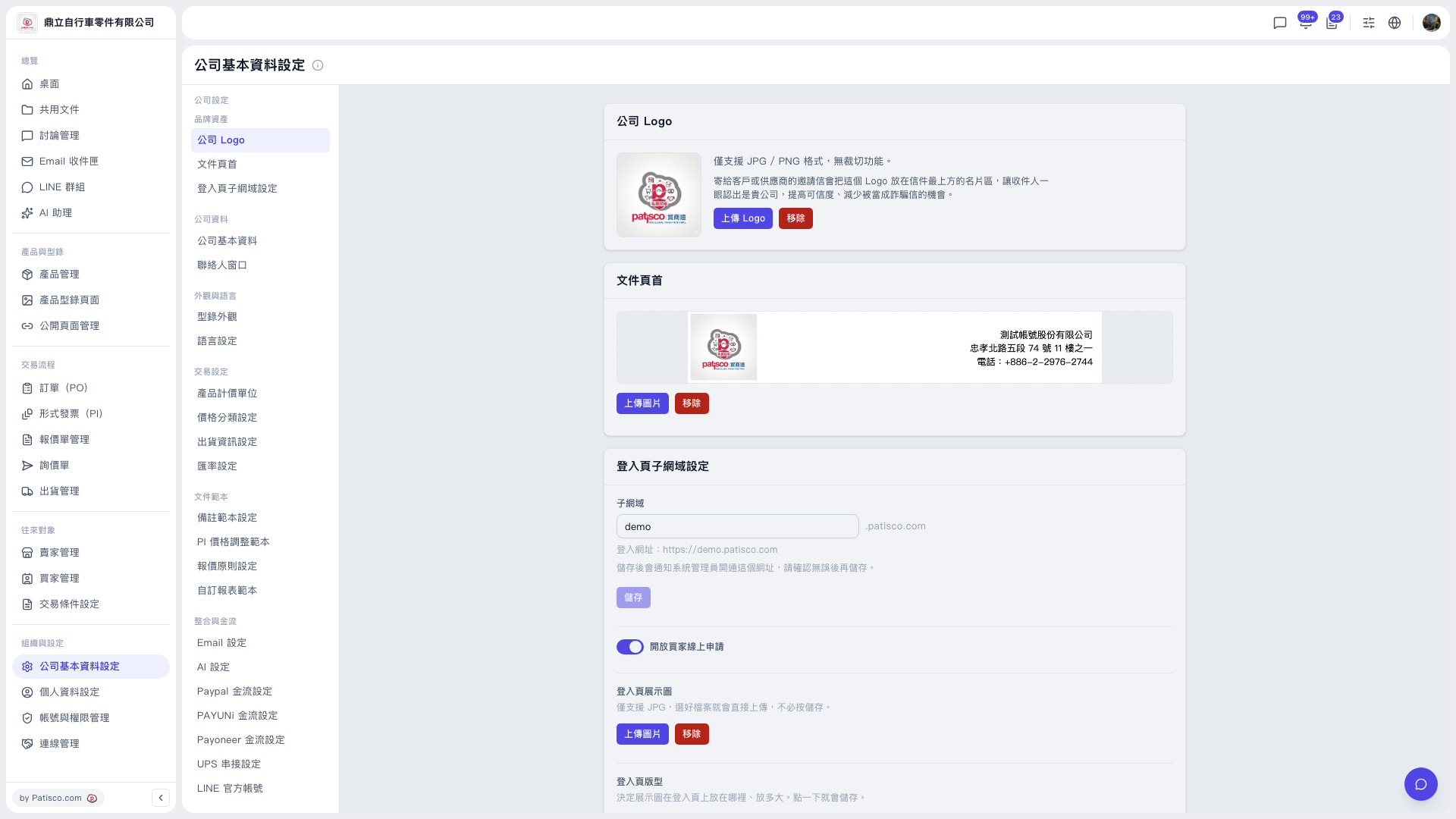 V5 新桌面版|公司基本資料設定