
1. To see the details, reply directly in the "Ask AI a question..." input box at the bottom, for example "Please list the item details of the latest document", then tap the paper plane at the bottom right to submit. 2. To start the conversation over, tap the refresh icon at the top right of the conversation area (on the same row as General conversation) to reload or reset the current conversation. 3. To go back to the previous page or the conversation topic list, tap the back arrow (<) at the top left.
At the end of its previous answer, the AI will already have asked: "Would you like me to look at the item details of this latest document?" You can simply reply that you do.
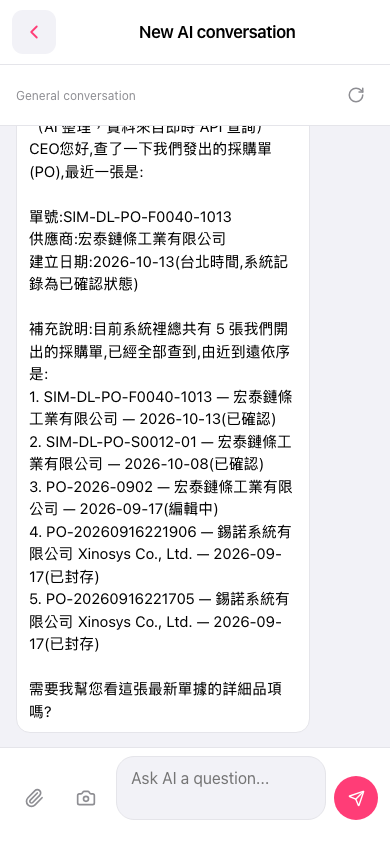 手機版|New AI conversation