
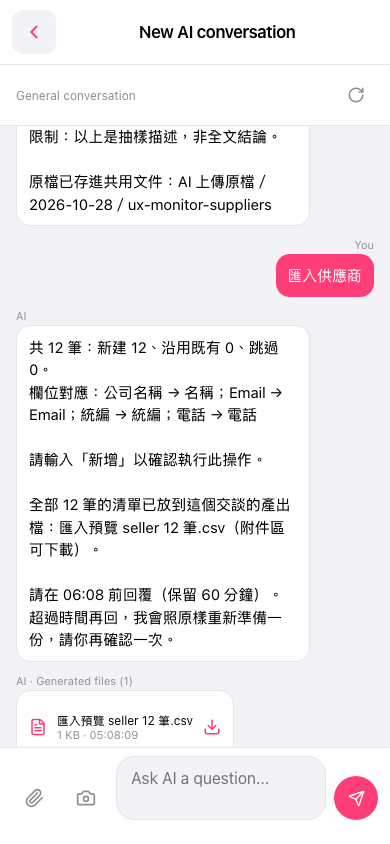
1. On the output file card below the AI's reply, tap the download icon on the right to download "匯入預覽 seller 12 筆.csv" (about 1 KB). 2. Open the file and check that the name, Email, tax ID, and phone number of all 12 records are mapped correctly. 3. Once everything looks right, return to the input box at the bottom within the 60-minute limit, enter "新增", and tap the paper plane to submit. The system will then run the import. 4. If the time limit has passed (for example, the AI wrote "Please reply before 06:08"), simply send another reply. The AI will prepare the same preview again, and you can confirm it once more.
You can ask: "新增" The AI will run the import based on your confirmation. If the time limit has passed, it will prepare the preview again and ask you to confirm.
 手機版|New AI conversation