
1. Enter a keyword in the "Product name" search field at the top left of the list and press Enter to search. You can switch the search field if needed. 2. To the right of the search field there is a sort option (the default is "Creation date" and "Descending"). Use the dropdown menu to select the sort field. 3. Then click the sort arrow to switch between ascending and descending order. 4. You can also combine this with the category tabs or price range on the left to narrow the results further.
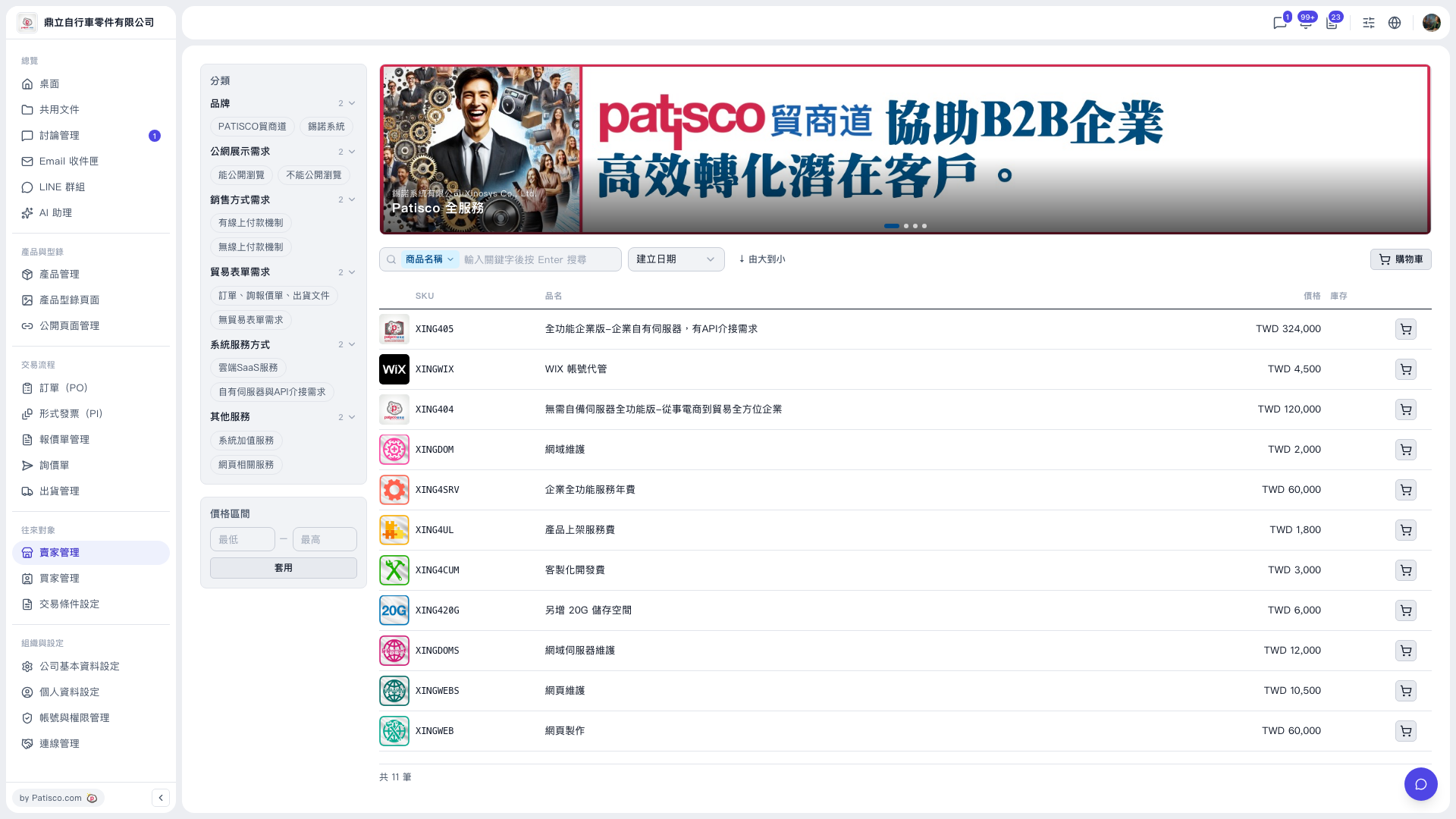 V5 新桌面版|賣家型錄(商品目錄)