
1. Open the seller's product catalog page (for example "Dingli Parts Catalog"). 2. In the Category filter panel on the left, choose a category, for example "Bicycle Parts" → "Drivetrain & Wheelsets", to narrow down the products. 3. If you have a budget limit, enter Min and Max in Price range on the left, then click Apply. 4. The product grid shows only the products that match, and each product card shows the product name and price (TWD).
You can ask the AI assistant: "Which drivetrain and wheelset products are in this catalog?" The AI will reply: It lists the products based on the catalog content on screen, for example "Dingli Stainless Steel Spokes 14G, TWD 11", and shows the conversion status as Not converted.
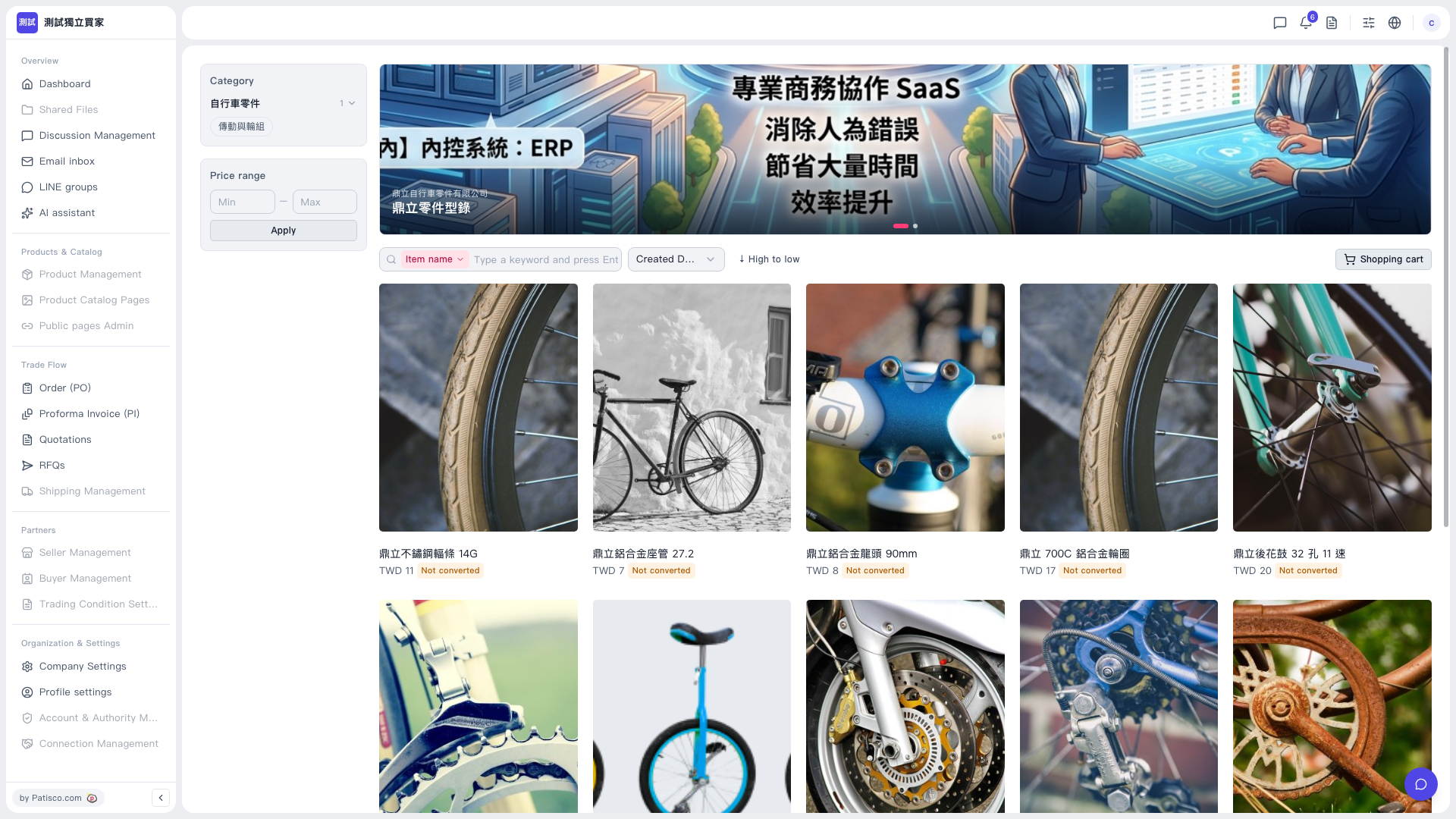 V5 新桌面版|鼎立零件型錄(賣家產品型錄頁)