
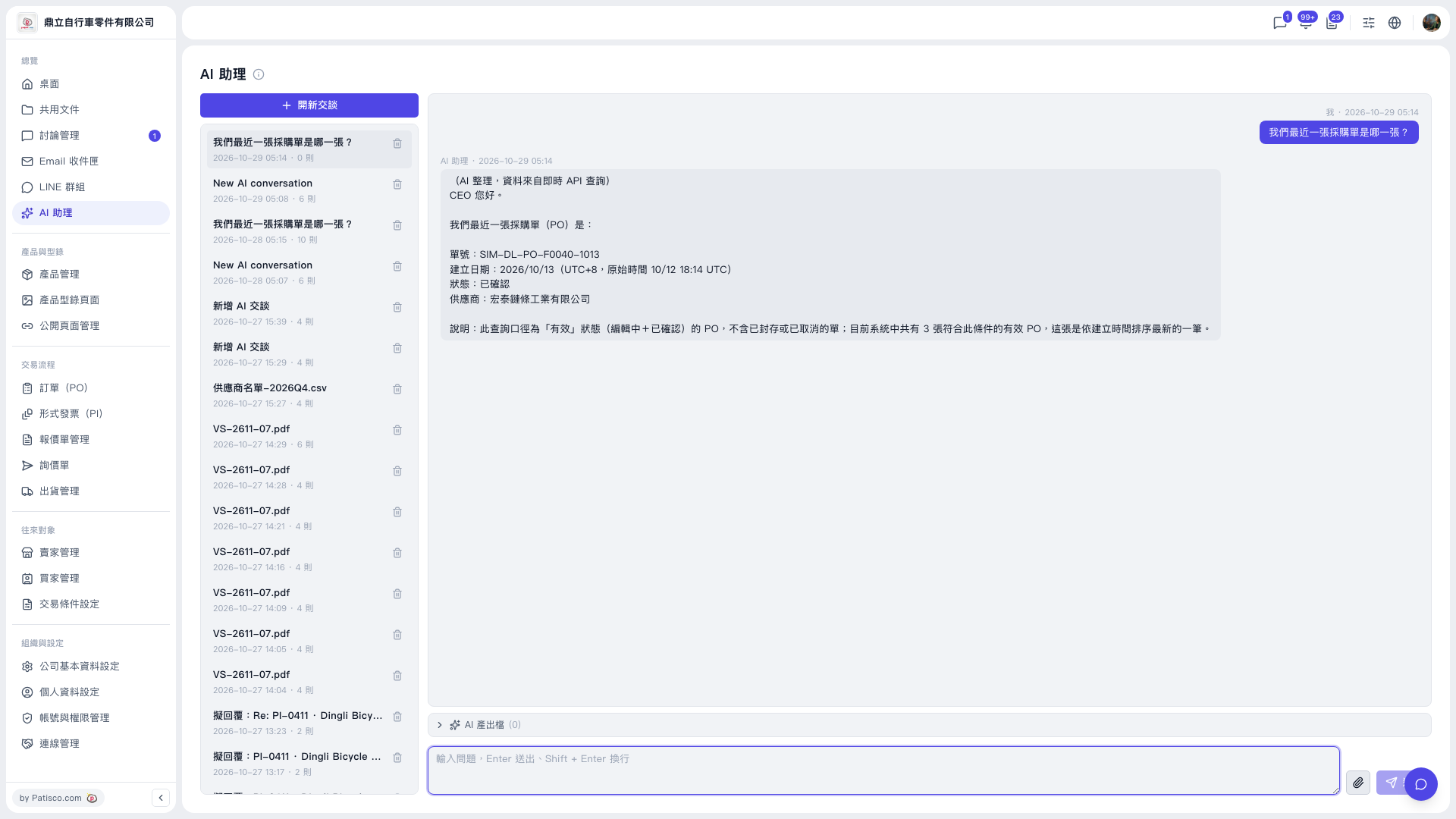
1. At the bottom of the AI assistant page, click the paperclip (attachment) icon on the right of the input box. 2. Select the file to upload, then type your question and send it so the AI can process it. 3. If the AI generated a file, open the "AI output files" row below the conversation area to view and download it. When there are no output files, it shows "AI output files (0)".
Note: When the AI looks up POs, it lists only POs with "Active" status (Editing + Confirmed), and excludes archived or cancelled POs. The reply explains this search scope.
 V5 新桌面版|AI 助理