
1. Attach a file: tap the paperclip icon on the input bar at the bottom left and select the file to attach. 2. Take a photo or upload an image: tap the camera icon to the right of the paperclip. 3. Once your materials are attached, tap the pink paper plane button at the bottom right to send. 4. To start over: tap the refresh icon at the top right, on the same row as General conversation, to refresh or reset the current conversation.
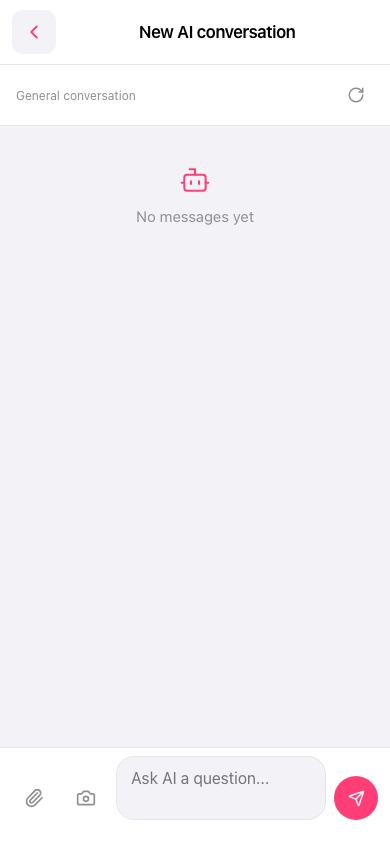 手機版|New AI conversation(新 AI 對話)