
1. Open the login page (https://mobile.patisco.com/logon) in your mobile browser. The page title is "Login". 2. Enter your account in the "User ID" field. 3. Enter your password in the "Password" field. 4. Tap the "Login" button in the center below the form. While both fields are empty, the button is light blue and cannot be tapped. It becomes usable once both are filled in. 5. If you don't want to use a User ID and password, you can instead tap "Sign in with Google" or "Sign in with Microsoft" at the bottom center to log in with a third-party account.
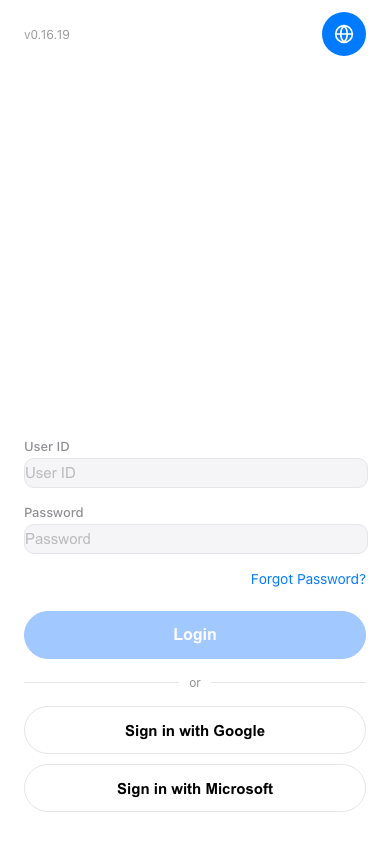 手機版|登入(Login)