
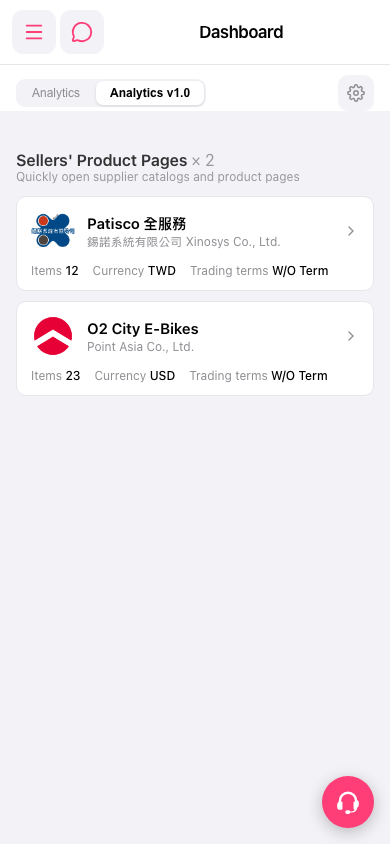
1. Tap the hamburger menu icon at the upper left to expand the side navigation menu and access other features. 2. The chat icon to the right of the hamburger menu opens the chat/messaging feature. 3. To adjust the dashboard, tap the gear icon (settings) at the right end of the tab bar. 4. When you need help, tap the floating customer support icon at the lower right to contact support.
 手機版|Dashboard