
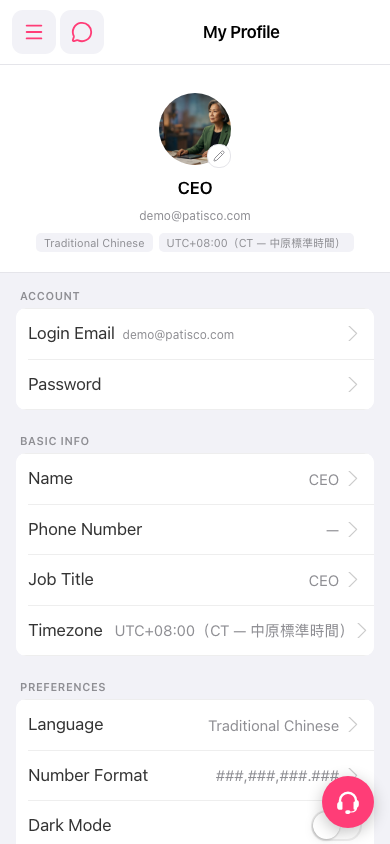
1. Tap the hamburger menu icon at the top left of the screen to open the main side navigation menu. 2. Go to the profile page from the menu. The title shows "My Profile". 3. The page has three sections: ACCOUNT, BASIC INFO, and PREFERENCES. You can view or change your personal settings here.
 手機版|My Profile