
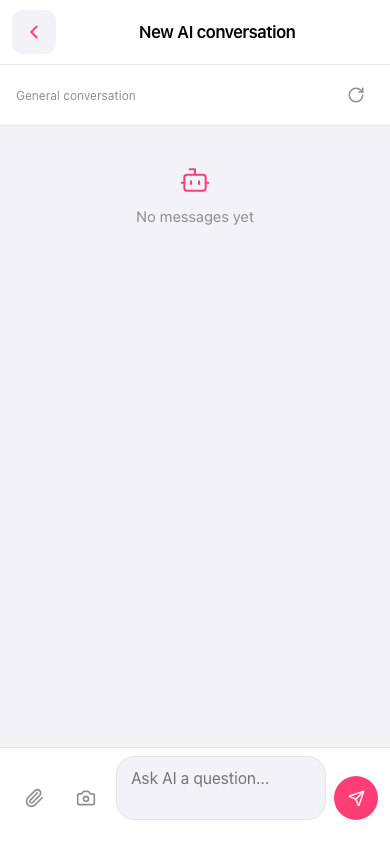
1. Attach a file: Tap the paperclip icon on the bottom-left of the input bar. 2. Attach a photo: Tap the camera icon to the right of the paperclip. You can take a photo or upload an image for the AI. 3. After typing your question, tap the pink paper-plane button at the bottom right to send it. 4. To reset the current conversation: Tap the refresh icon at the top right (on the same row as General conversation). 5. To leave this page: Tap the back arrow (<) at the top left.
 手機版|New AI conversation