
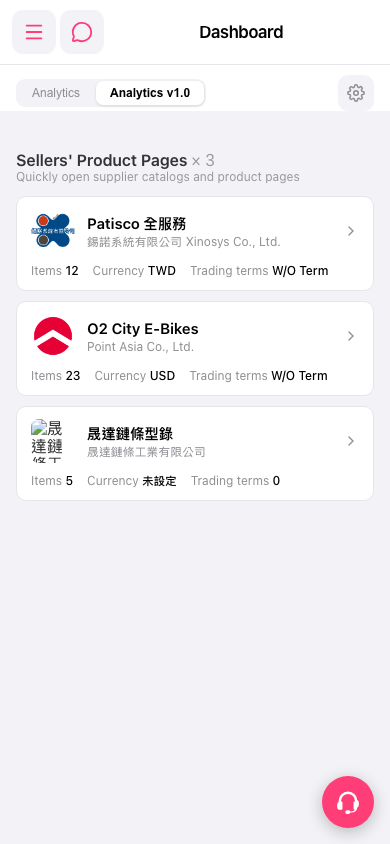
1. Switch analytics view: below the page title, on the left, tap the "Analytics" or "Analytics v1.0" tab (the one currently selected is Analytics v1.0). 2. Adjust Dashboard settings: tap the gear icon on the right side of the tab bar. 3. Go to other functions: tap the menu icon (three lines) at the top left to expand the side navigation menu. 4. When you need help, tap the floating support icon (headset) at the bottom right to contact customer support.
 手機版|Dashboard