
1. Forgot password: On the login page, tap "Forgot Password?" on the right below the password field, then follow the on-screen instructions to reset your password. 2. Third-party account: You don't need to fill in User ID and Password. Just tap "Sign in with Google" or "Sign in with Microsoft" and log in with that account. 3. To change the interface language: Tap the blue round globe icon in the upper right corner.
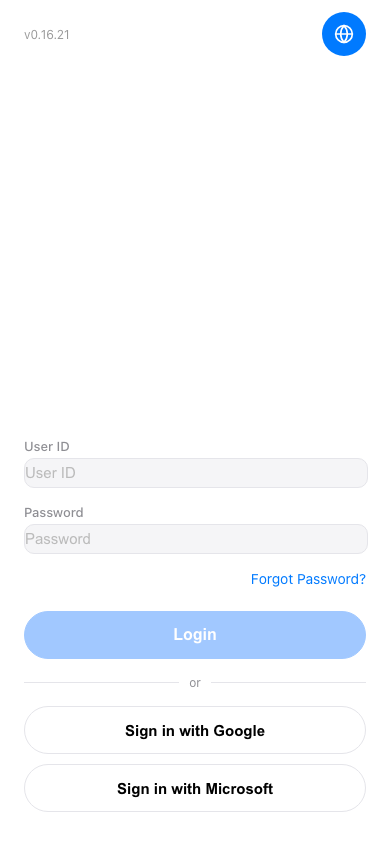 手機版|登入(Login)