
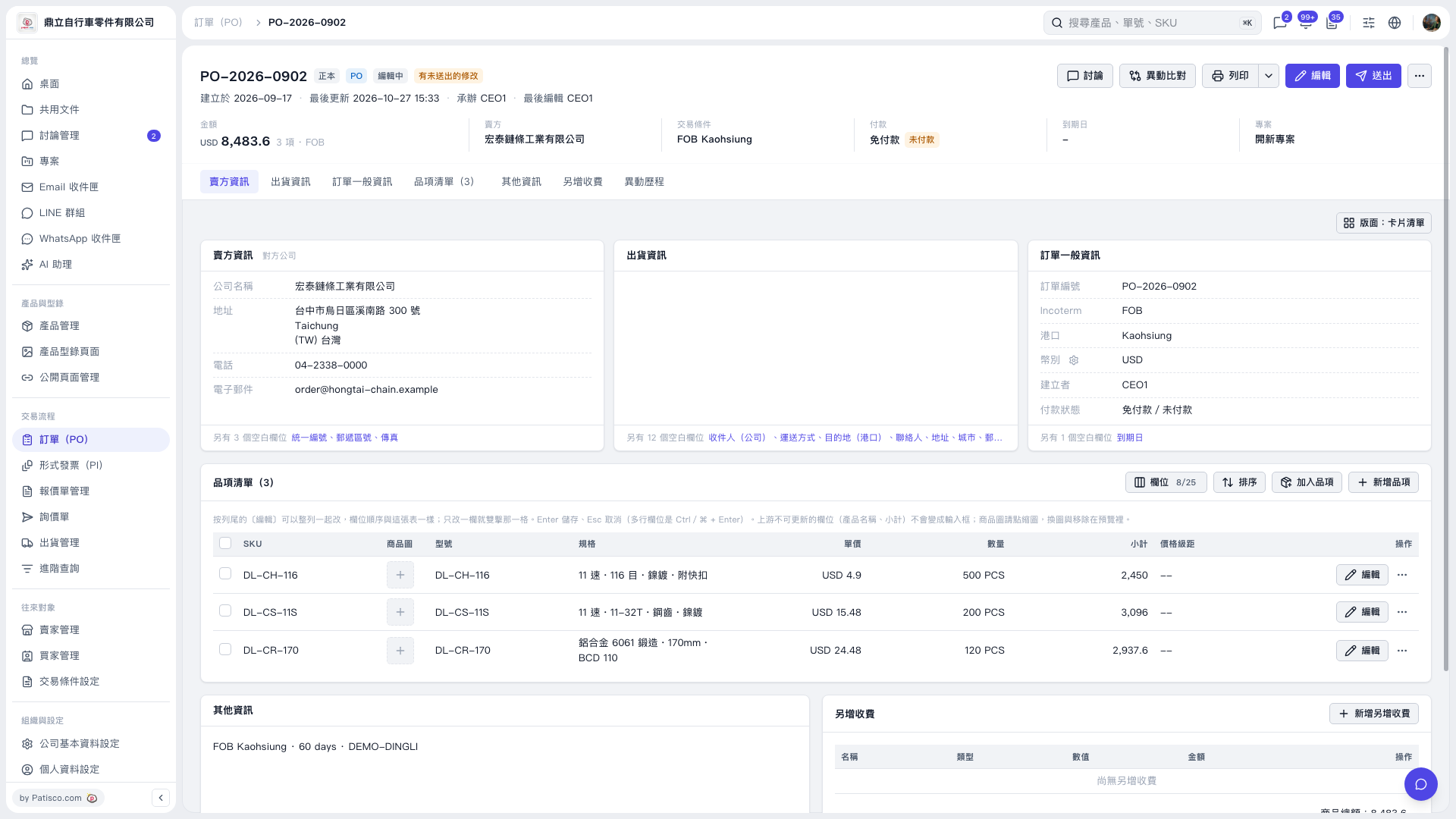
1. Switch to the “Additional Charges” section and click “Add Additional Charge” to add an extra charge item. 2. Check the name, type, value, and amount of each additional charge, as well as the PO information and total amount. 3. After confirming the details, click “Send” in the upper-right corner to send the PO. 4. If you need a paper copy, click “Print” in the upper-right corner.
 V5 新桌面版|PO–2026–0902