
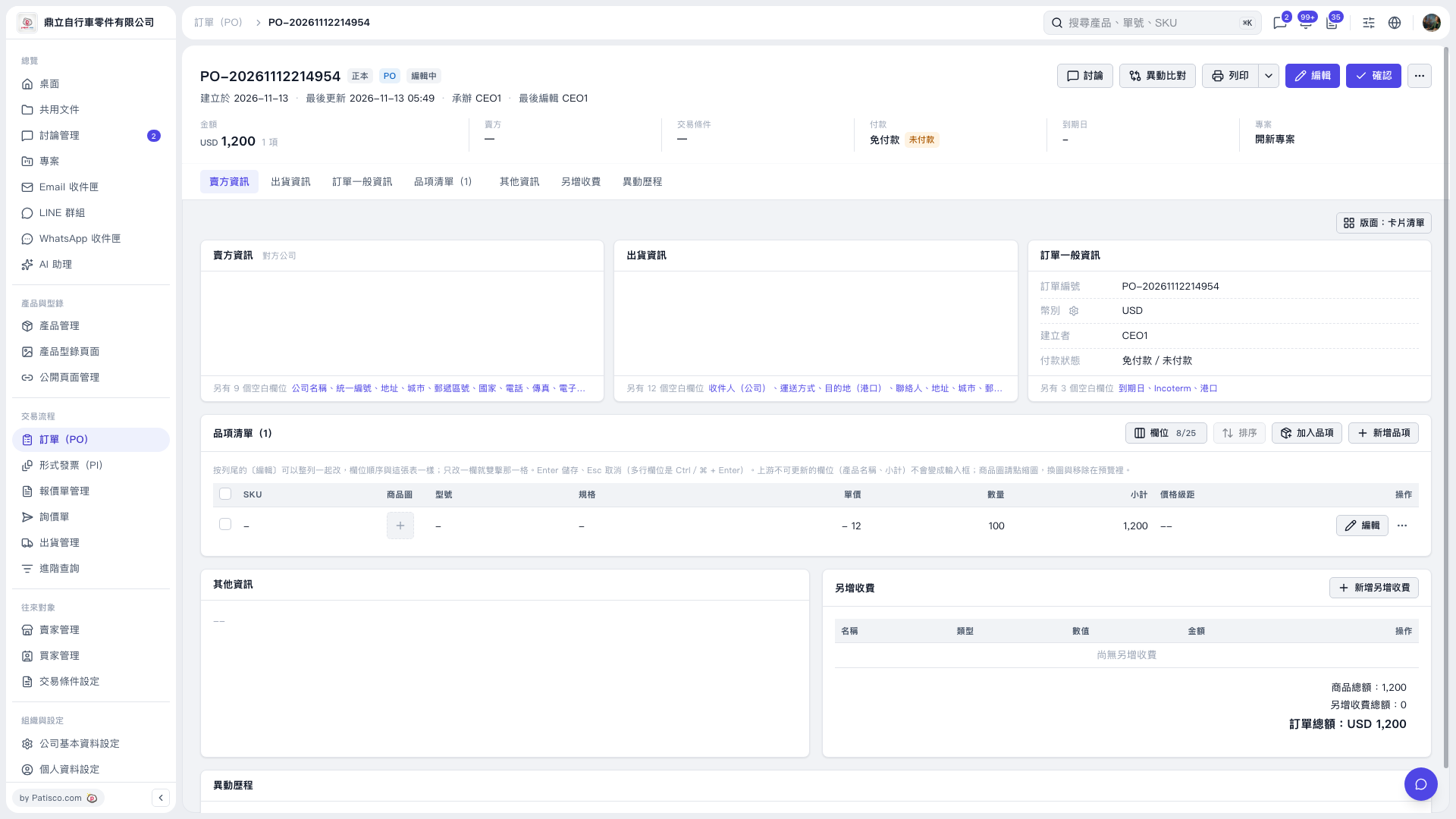
1. On the PO page, click "Edit" in the top right corner, then click "Edit" on the item row. 2. Clear the content of the field you want to remove. Testing confirms that SKU, model, specification, currency, MOQ, net weight, description, and secret fields all retain blank values after saving. 3. If "Saving..." appears during the save process, wait for it to complete, then reopen the item to verify. Unsaved data such as unit price and quantity will be retained. 4. The screenshot does not currently show a "Save" button, so the save entry point cannot be indicated from this view; the "Confirm" button in the top right is for confirming the PO.
 V5 新桌面版|PO-20261112214954