
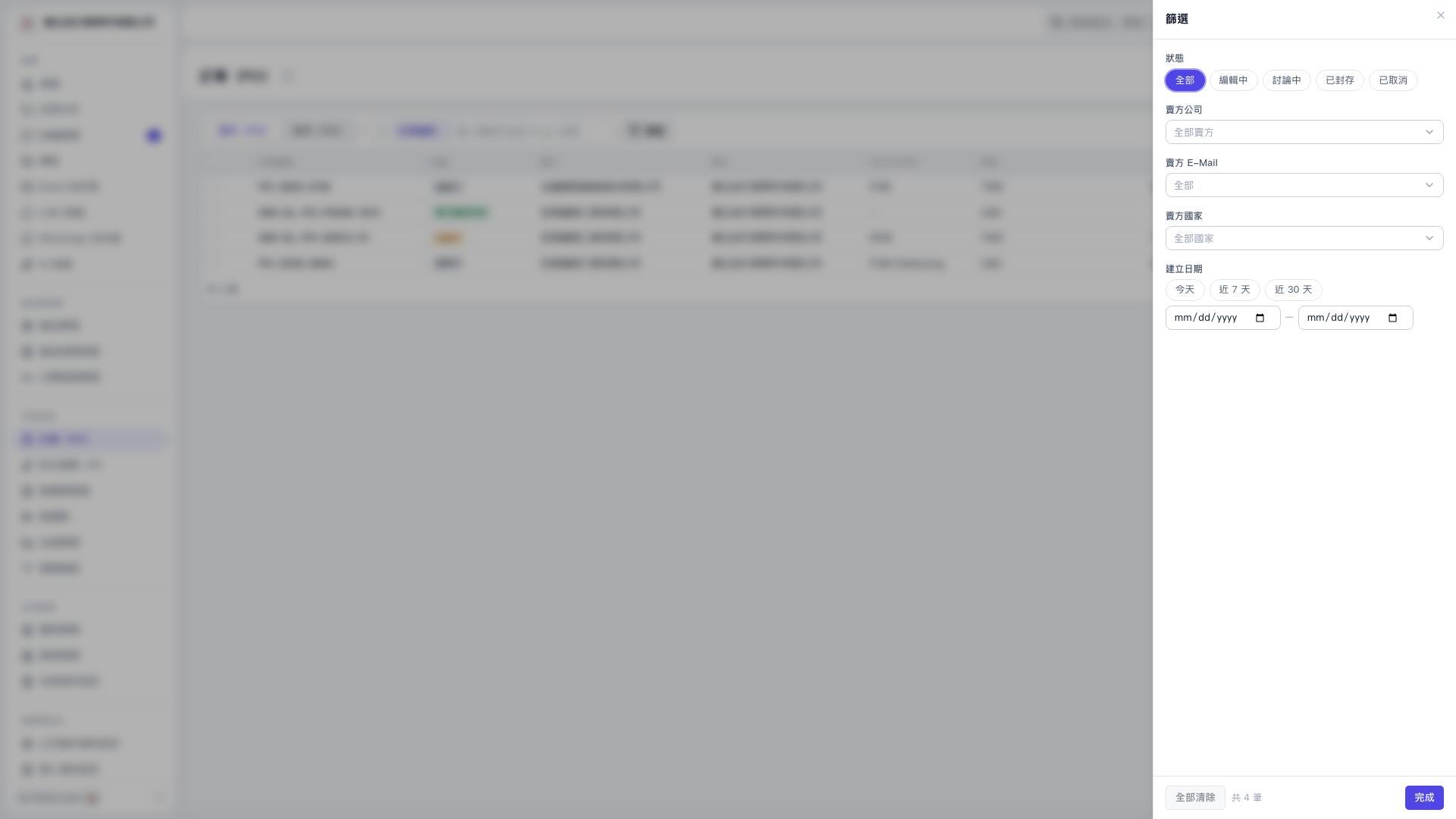
1. In the filter panel for purchase orders (PO), select "All", "Editing", "Under Discussion", "Archived", or "Cancelled". 2. As needed, click "All Sellers" under "Seller Company", "All" under "Seller E-Mail", or "All Countries" under "Seller Country", and choose conditions from the dropdown menu. 3. Under "Creation Date", click "Today", "Last 7 Days", or "Last 30 Days", or enter custom start and end dates manually, or select dates through the calendar icon. 4. Click "Done" in the bottom right to return to the list and view filter results.
 V5 新桌面版|採購單(PO)篩選