
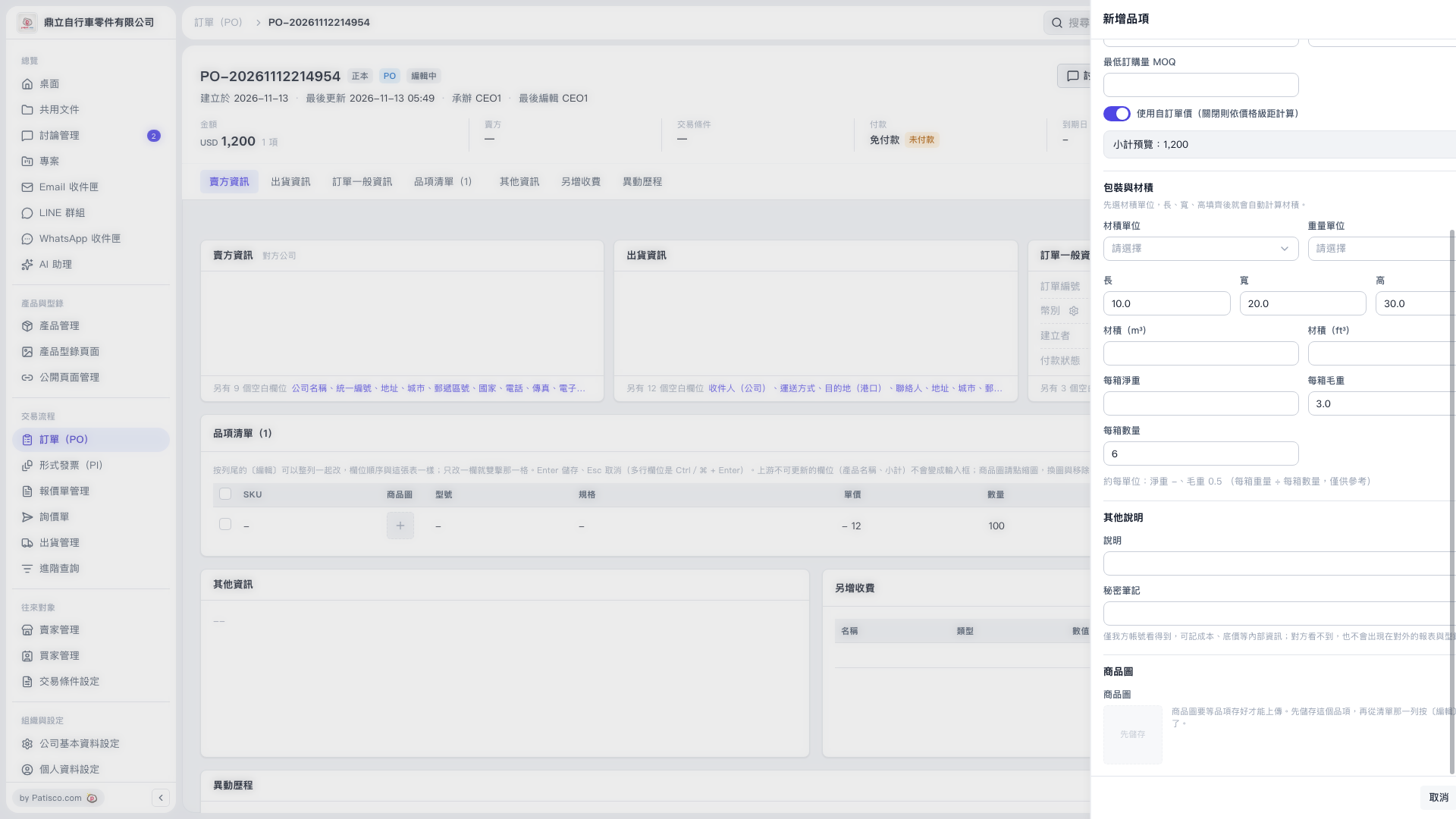
1. In the "Add Item" panel on the right, find the "Packaging and Volume" section. 2. First select the "Volume Unit" and "Weight Unit", then enter "Length", "Width", and "Height". The system will automatically calculate the volume, which you can view in "Volume (m³)" and "Volume (ft³)". 3. Fill in "Net Weight Per Box", "Gross Weight Per Box", and "Quantity Per Box".
 V5 新桌面版|訂單 PO-2026111214954/新增品項