
1. In the "Documents to Process" section on the desktop, view the "Overdue" and "Needs Sync" categories. 2. Click on the "Document Number" to enter the corresponding document and view its content and processing status. 3. After processing, return to the desktop and click "Refresh" to update the list. 4. You can use "List/Timeline" to switch the presentation format of the documents.
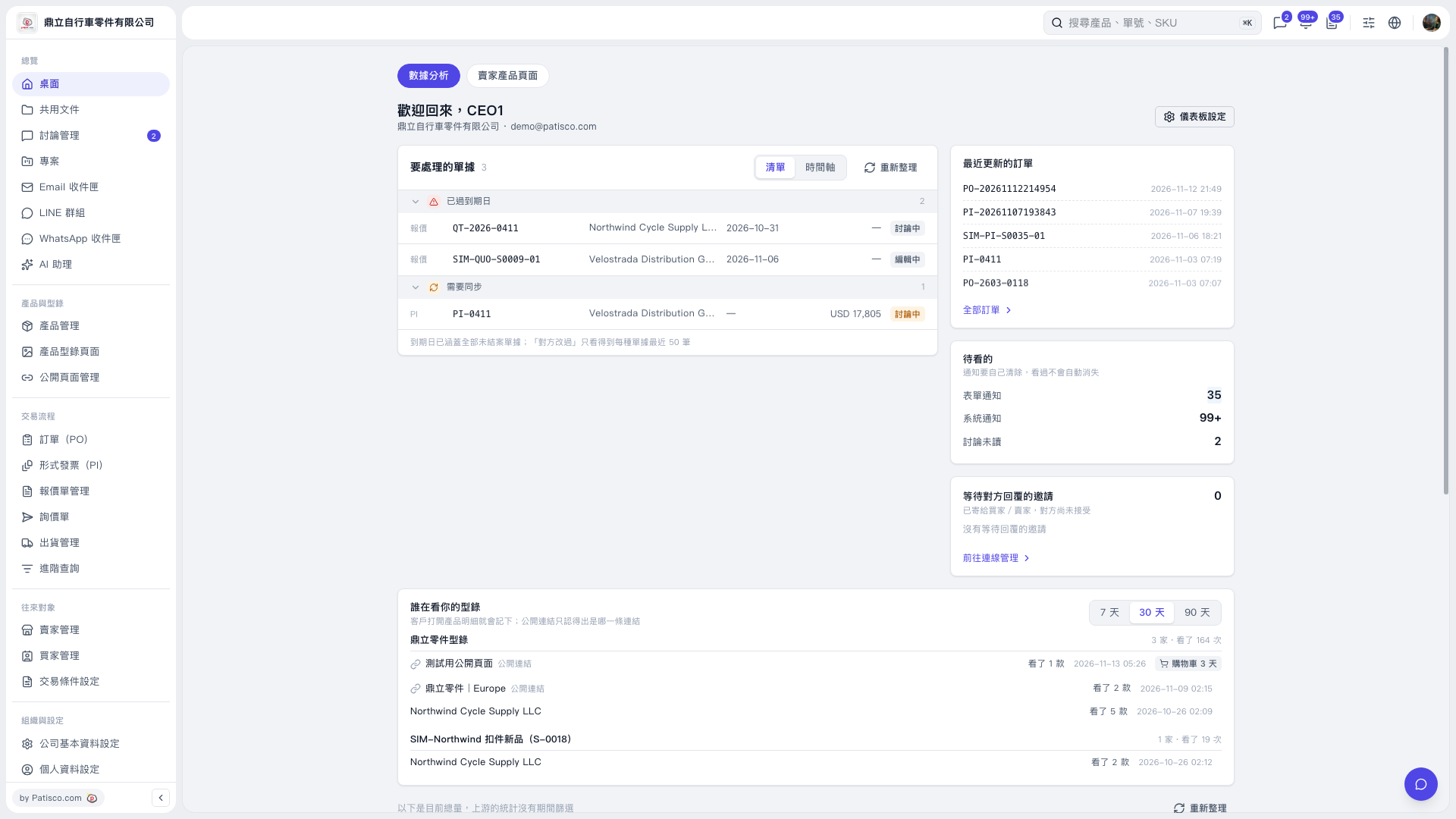 V5 新桌面版|桌面/數據分析