
1. In the left sidebar, under the "Trading Partners" section, click "Trading Condition Setting" to open the "Trading Condition Setting" page. 2. Click the blue-purple "New" button at the top right. 3. Fill in the name, delivery terms (for example FOB), currency (for example USD), order amount adjustments and other details, then save. 4. Return to the list, confirm that the new setting appears, and check the counts under "Buyers Included" and "Public Pages Included".
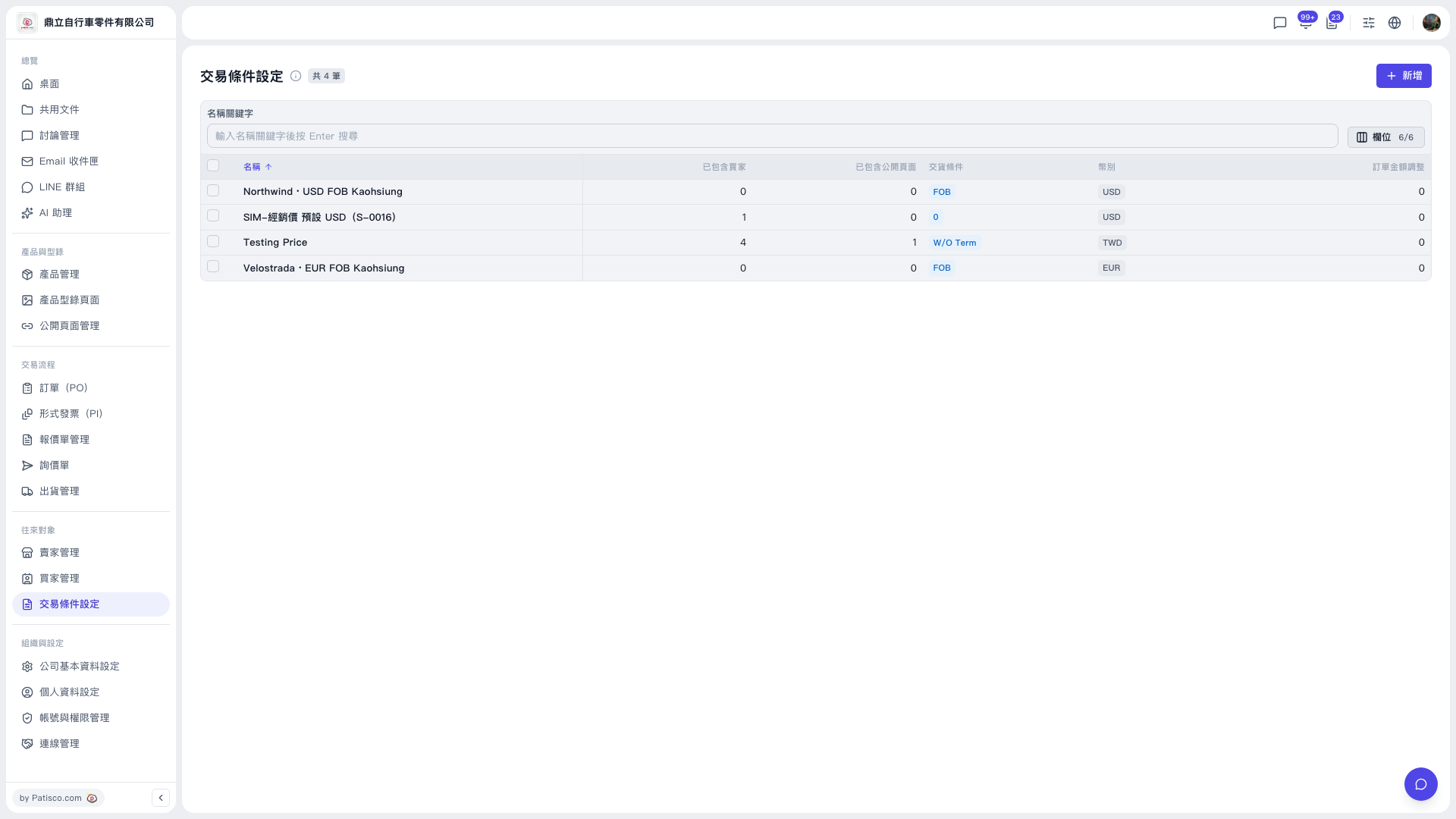 V5 新桌面版|交易條件設定