
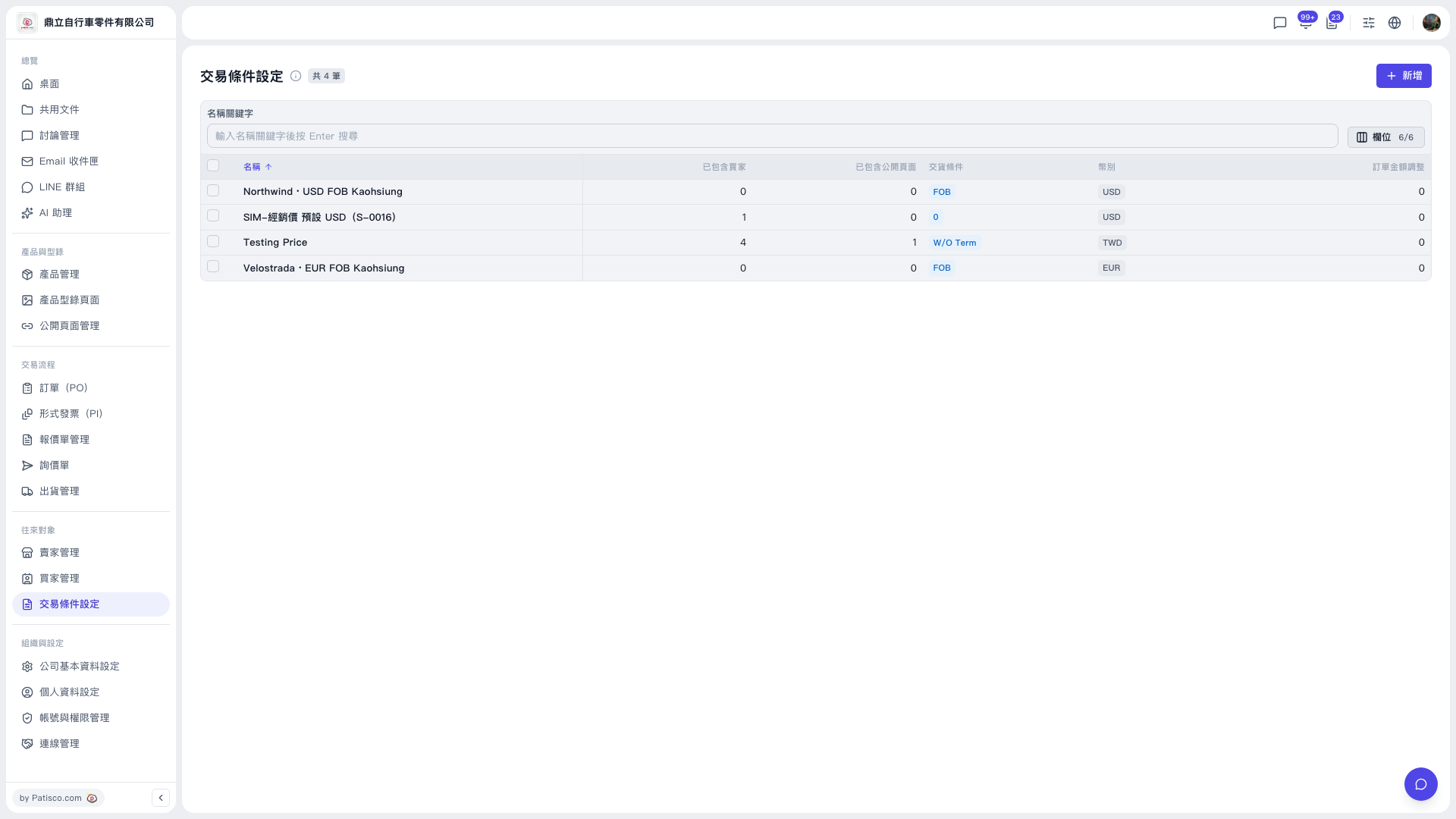
1. Open the "Trading Condition Setting" page. 2. Type a keyword in the name search box at the top center of the list and press Enter to search. 3. To change the sort order, click "Name" in the table header; to choose which columns the table shows, click "Columns 6/6" to the right of the search box. 4. In the list, click the name of the trading condition to open it, where you can view or edit it. 5. For bulk actions, first tick the checkbox at the far left of each row (you can select one or several).
 V5 新桌面版|交易條件設定