
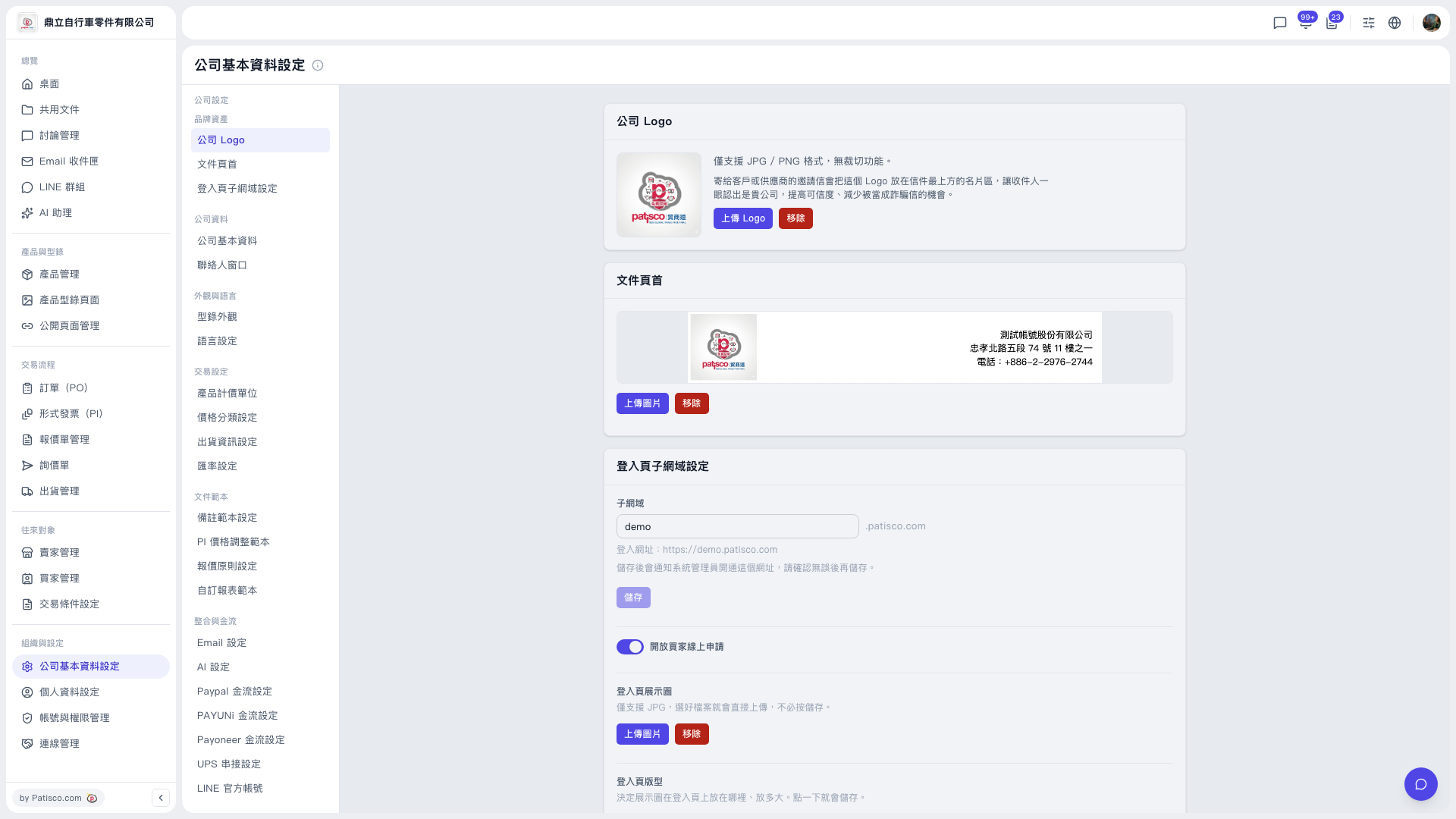
1. In the left sidebar, under "Organization & Settings", click "Company Profile Settings". 2. In the secondary sidebar in the middle, scroll to the "Integrations & Payments" group and click "UPS Integration Settings". 3. On the UPS Integration Settings page, enter your UPS account and the other information required for the integration. 4. Click "Save" to finish the setup.
The UPS authorization status found by the AI assistant is "Not connected (can connect)", which means the integration has not been set up yet, but you can connect it.
 V5 新桌面版|公司基本資料設定