
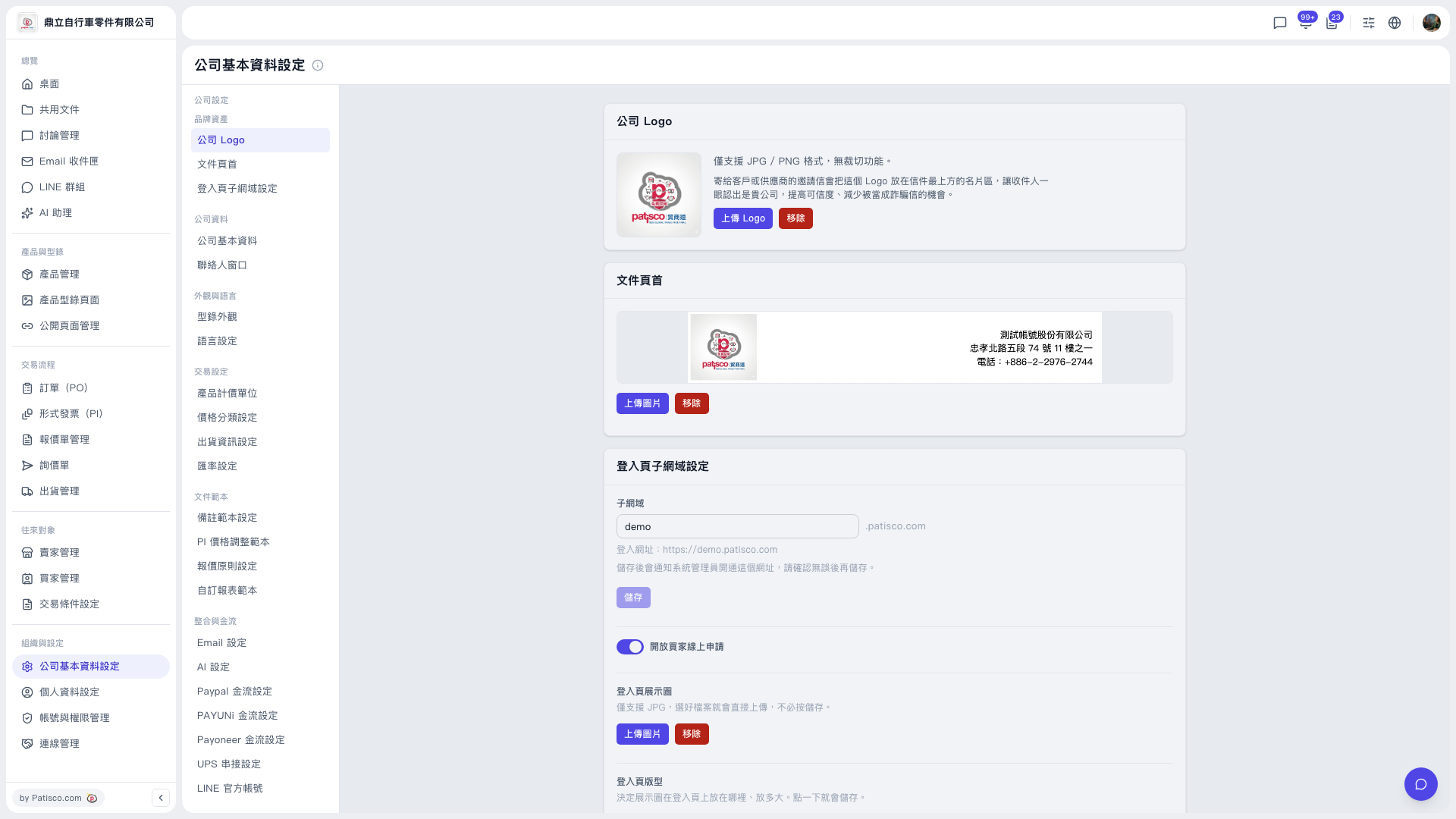
1. In the left sidebar, under "Organization & Settings", click "Company Profile Settings". 2. To change the logo: on the "Company Logo" card, click "Upload Logo" and choose a file. The logo supports JPG/PNG only and is used in the business card area of invitation emails. To remove it, click "Remove" on the right. 3. To change the document header: on the "Document Header" card, click "Upload Image" below the preview and choose a file. To remove it, click "Remove" on the right.
Note: The login page showcase image supports JPG only and is uploaded immediately after you choose the file.
 V5 新桌面版|公司基本資料設定