
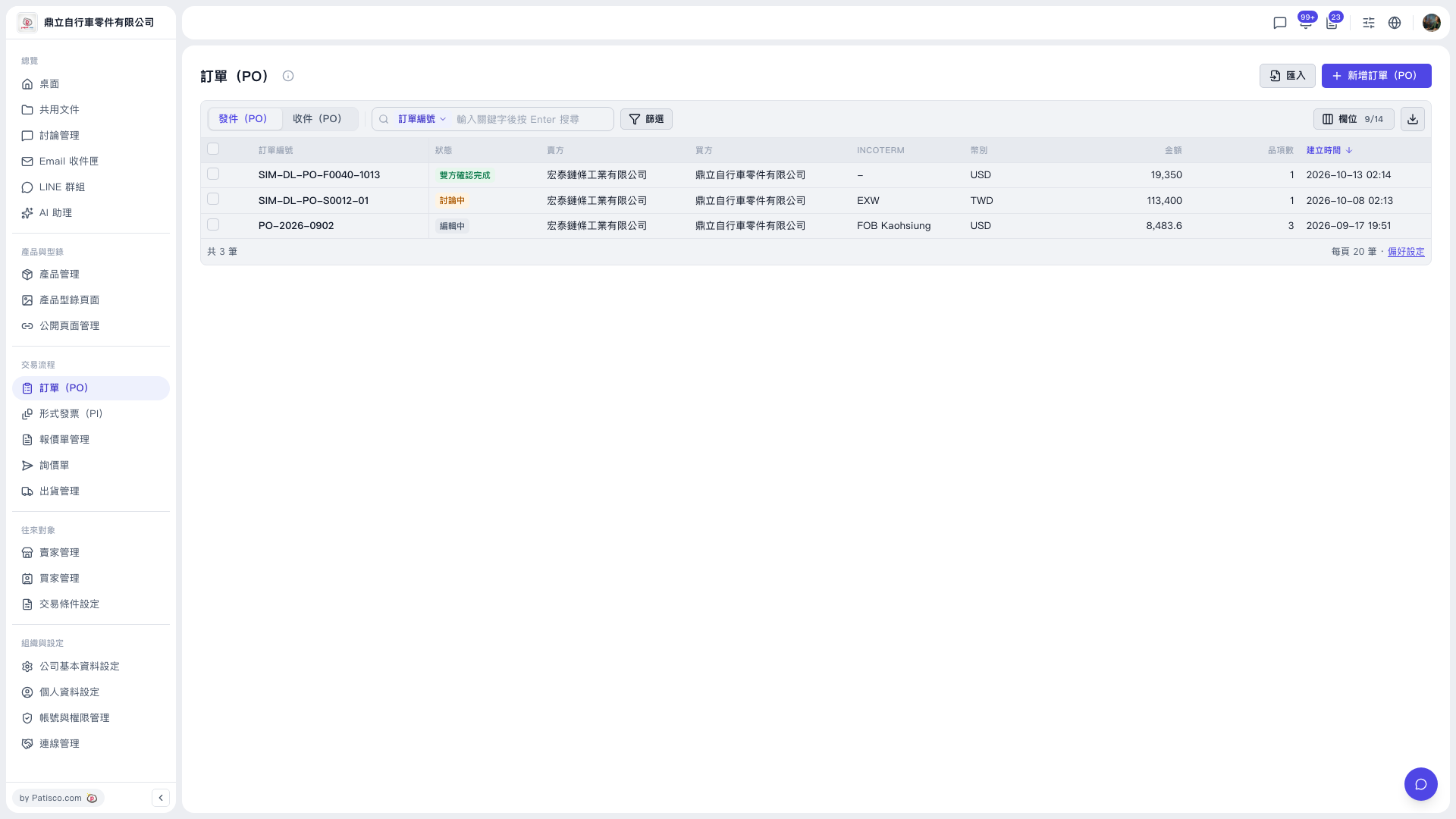
1. Find a PO: In the search bar above the list, choose the search field (the default is PO number), enter a keyword, and press Enter. You can also click "Filter" on the right of the search bar to set conditions. 2. View details: Click the PO number of the entry in the list to open the PO details, where you can view or edit it. 3. Create a single PO: Click "New PO" at the upper right, fill in the content, and save. 4. Create in batch: Click "Import" to the left of "New PO" and upload a file. 5. Other: The download icon at the far right of the upper right of the list exports the list data. "Preferences" at the lower right lets you adjust the number of rows per page.
 V5 新桌面版|訂單(PO)