
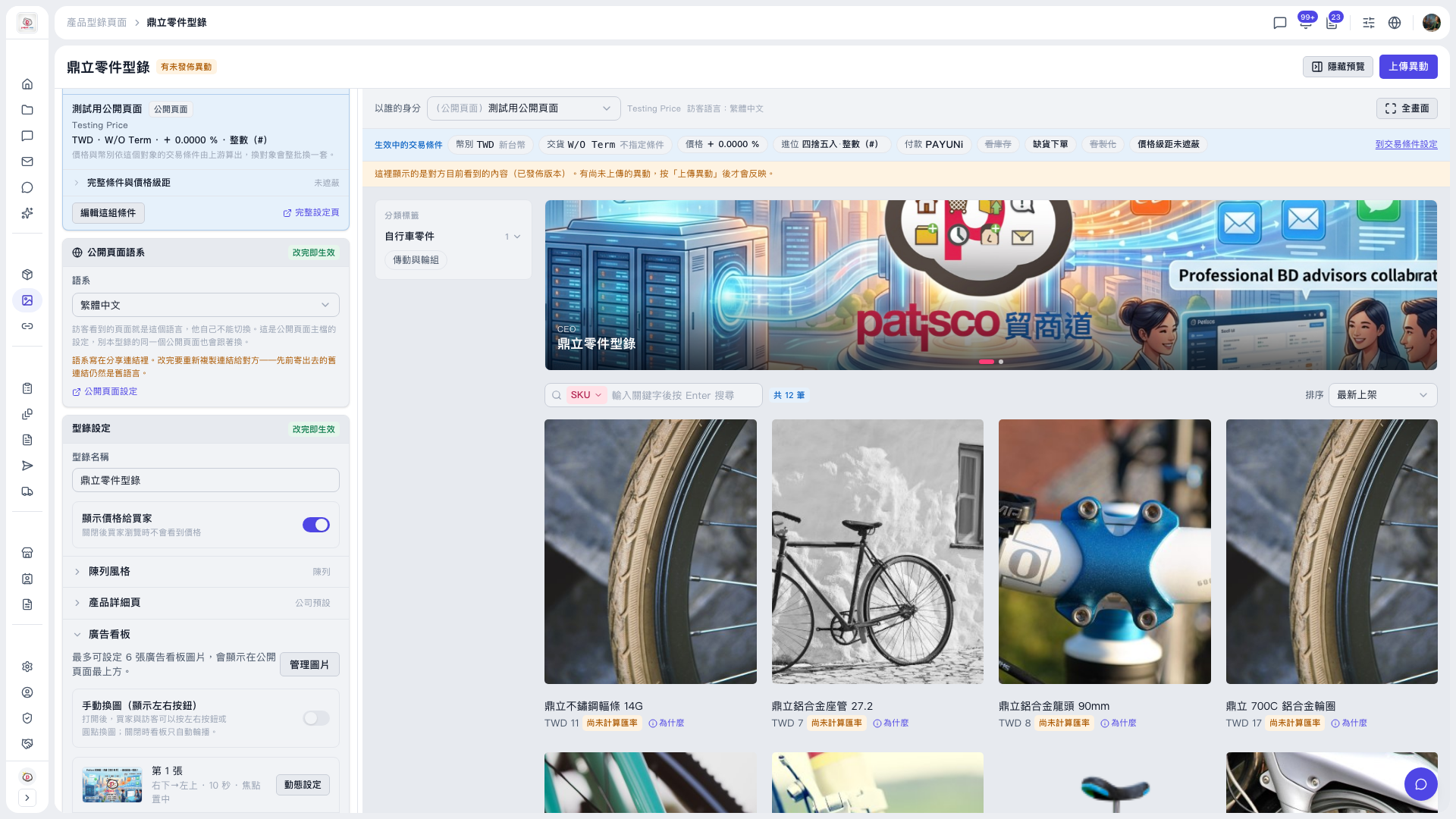
1. In the "Banner" section of the left panel, turn on the "Manual image switching (show left/right buttons)" toggle. Once on, buyers can switch banner images with the left/right buttons or the dots; when off, the banner rotates automatically. 2. Check how the banner appears in the preview area on the right. 3. Click "Upload Changes" at the top right. Buyers cannot see changes that have not been uploaded; they are updated only after you upload and publish.
If the preview area blocks the layout, click "Hide preview" at the top right to collapse it, and open it again when needed.
 V5 新桌面版|鼎立零件型錄