
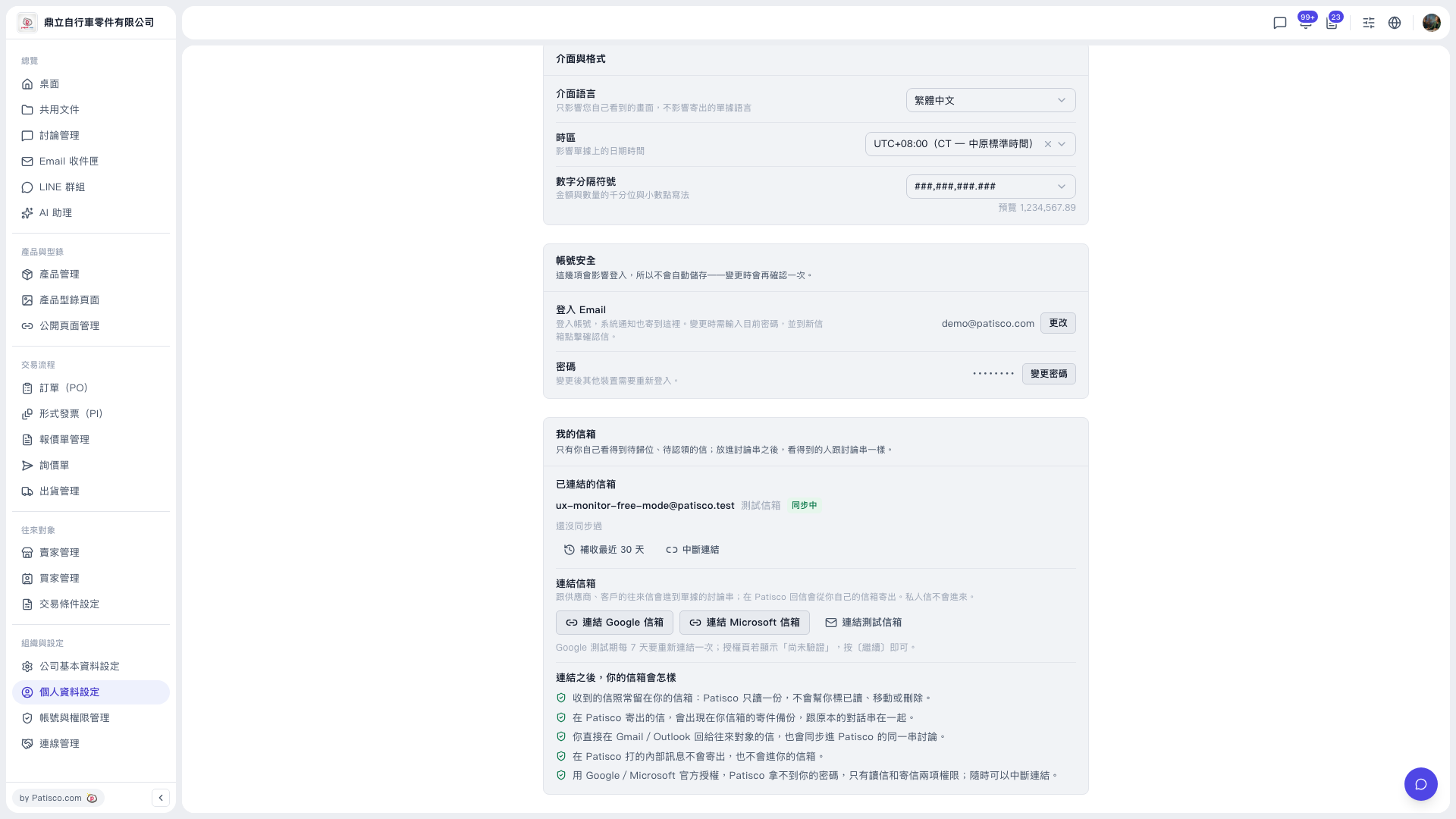
1. In the left sidebar, under “Organization & Settings,” click “Profile Settings.” 2. Scroll down to the “My Mailbox” section. 3. Under “Linked mailboxes,” check the current link and sync status. 4. If you have not linked one yet, under “Link mailbox” choose “Link Google mailbox,” “Link Microsoft mailbox,” or “Link test mailbox,” then complete the authorization as shown on screen.
Example: for the demo account (鼎立自行車零件有限公司), the linked mailbox is shown as ux-monitor-free-mode@patisco.test.
 V5 新桌面版|個人資料設定