
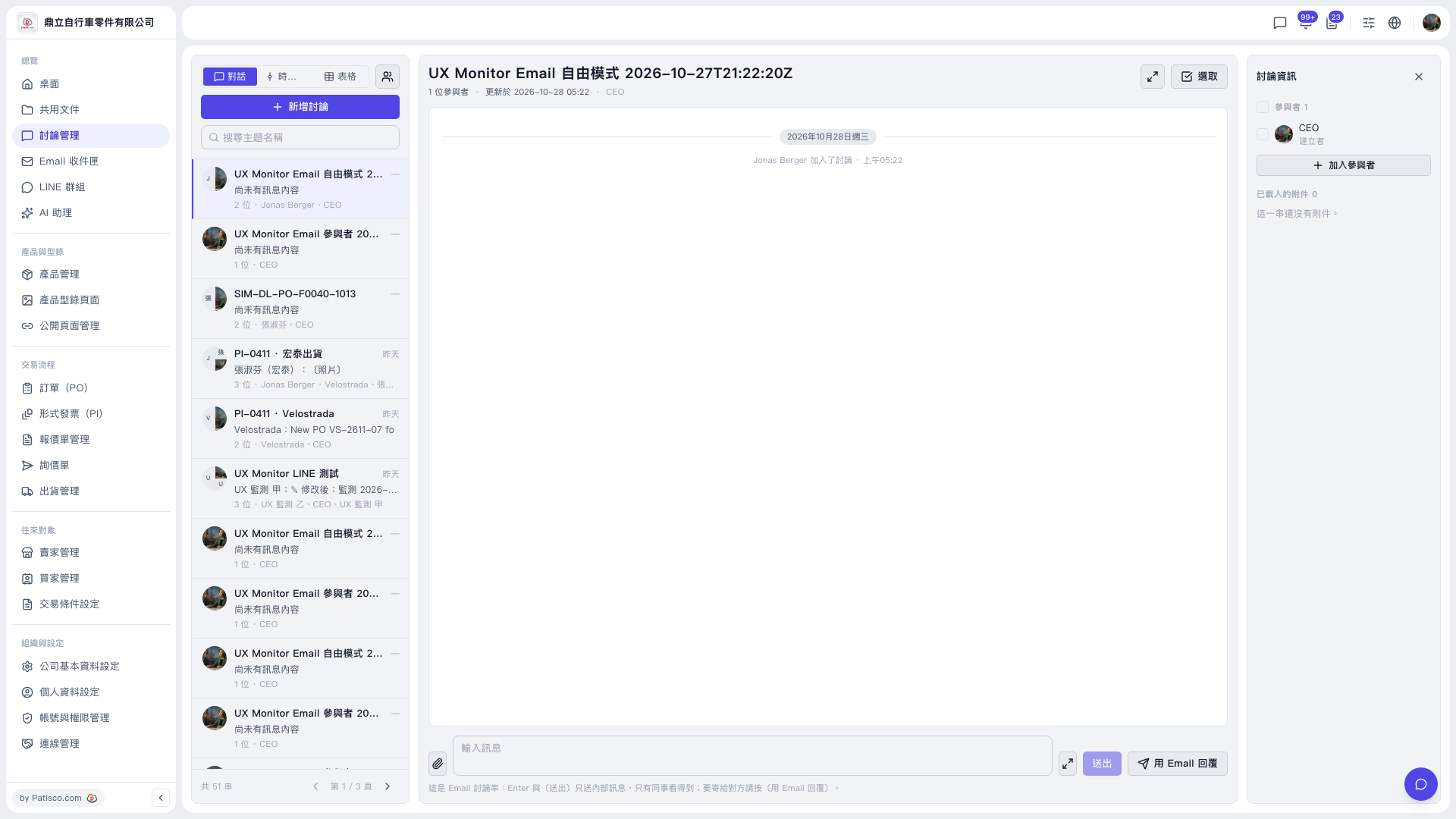
1. Click "Discussion Management" in the left sidebar. 2. In the discussion list on the left, click the thread you want to view. If you can't find it, type keywords in "Search topic name". 3. Type your content in the "Type a message" field at the bottom of the discussion area. 4. Click "Send". Only your internal colleagues will see it; the other party will not. 5. To attach a file, click the paperclip icon on the left of the input box and upload the file.
 V5 新桌面版|討論管理(UX Monitor Email 自由模式 2026-10-27T21:22:20Z 討論串)