
1. In the left sidebar, click “Discussion Management.” 2. In the discussion list on the left, click the thread you want to view (for example, “SIM-DL-PO-F0040-1013”). If you can’t find it, type a keyword in “Search by topic name” at the top. 3. In the central conversation area, view the message history and the shared order reports. 4. In the “Type a message” field at the bottom, enter your content and click “Send.” If you need an attachment, click the paperclip icon on the left of the input box to upload it.
You can ask the AI: “Who is the contact for this thread?” The AI will answer: The contact is 張淑芬 (宏泰鏈條工業有限公司), and the email is demoseller@patisco.com.
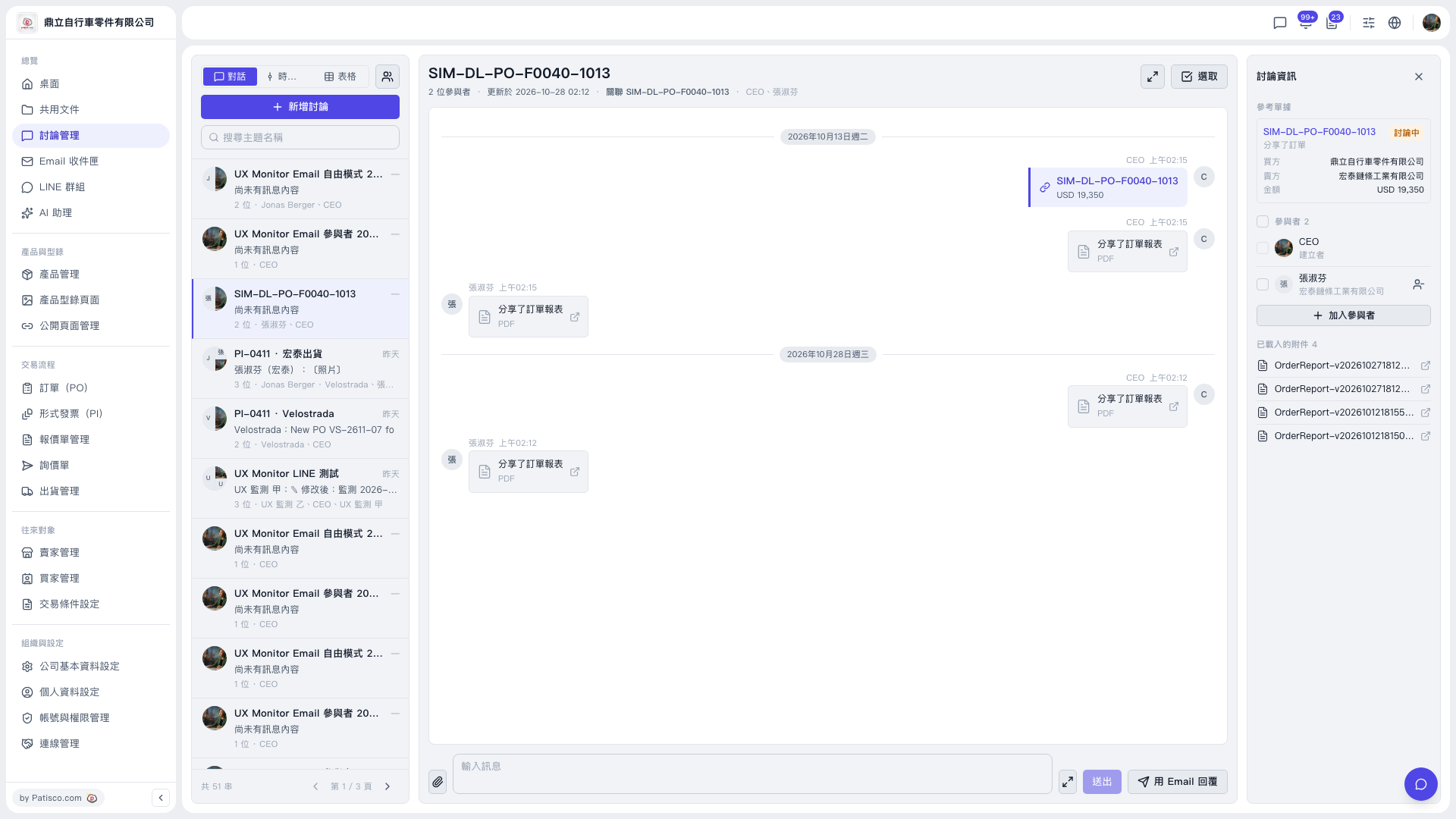 V5 新桌面版|討論管理(討論串:SIM-DL-PO-F0040-1013)