
1. To invite other people, click “Add participant” in the “Discussion info” panel on the right. 2. To notify the other party by email, click “Reply by email” at the bottom right of the conversation area. 3. If you close the panel while editing, an “Unsaved changes will be lost” prompt appears. To keep your content, do not click “Discard changes”; save first, then close. 4. If this kind of thread has a contact from the other company, the system will show a reminder: “This thread has a contact from 宏泰鏈條工業有限公司,” and list the other people from that company who can see this email in Patisco. Before sending, check that the recipients are correct.
You can ask the AI: “Who else at the other company can see this email?” The AI will answer: It reminds you that this thread has a contact from 宏泰鏈條工業有限公司 and lists the people who can also see this email in Patisco.
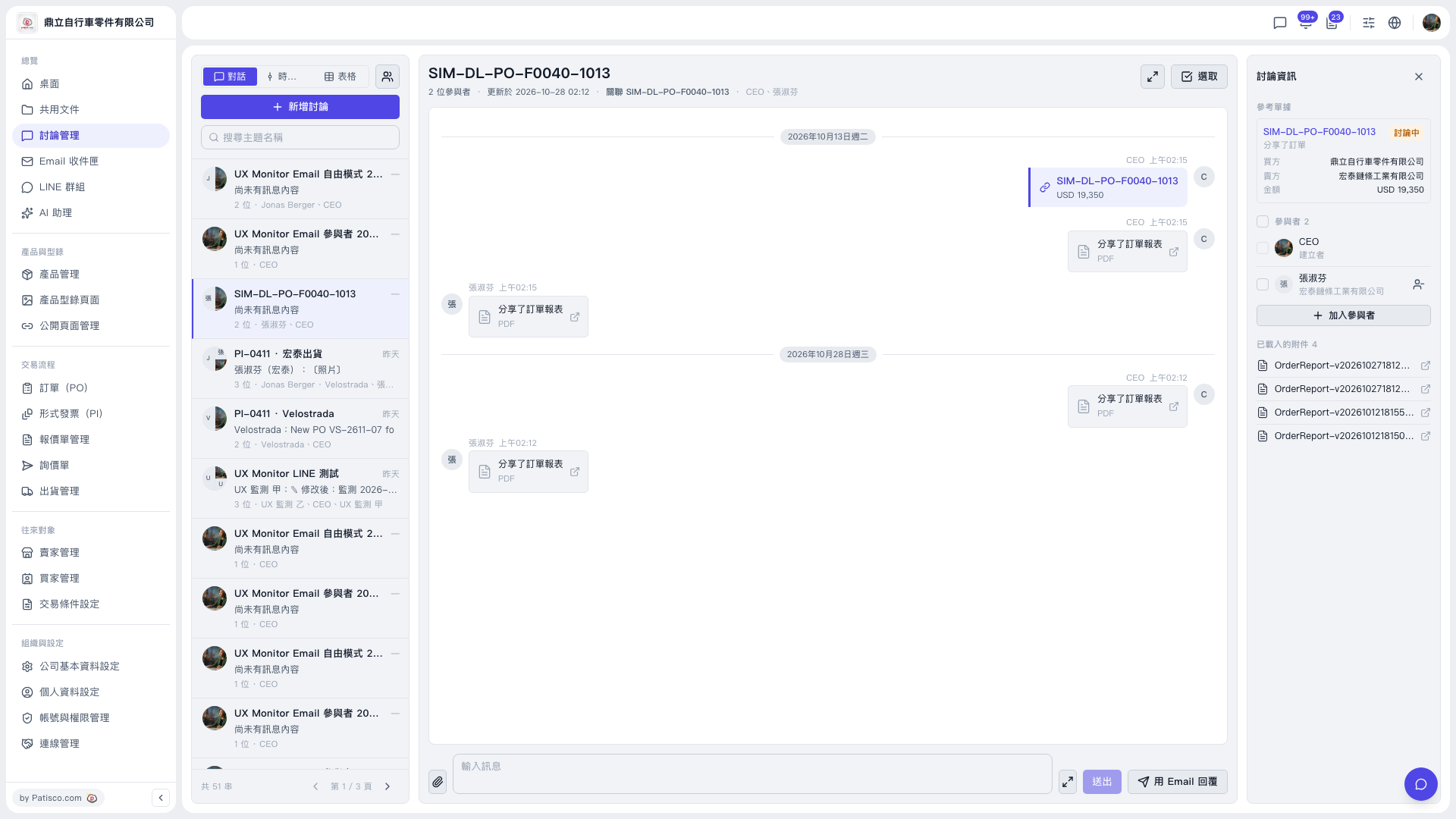 V5 新桌面版|討論管理(討論串:SIM-DL-PO-F0040-1013)