
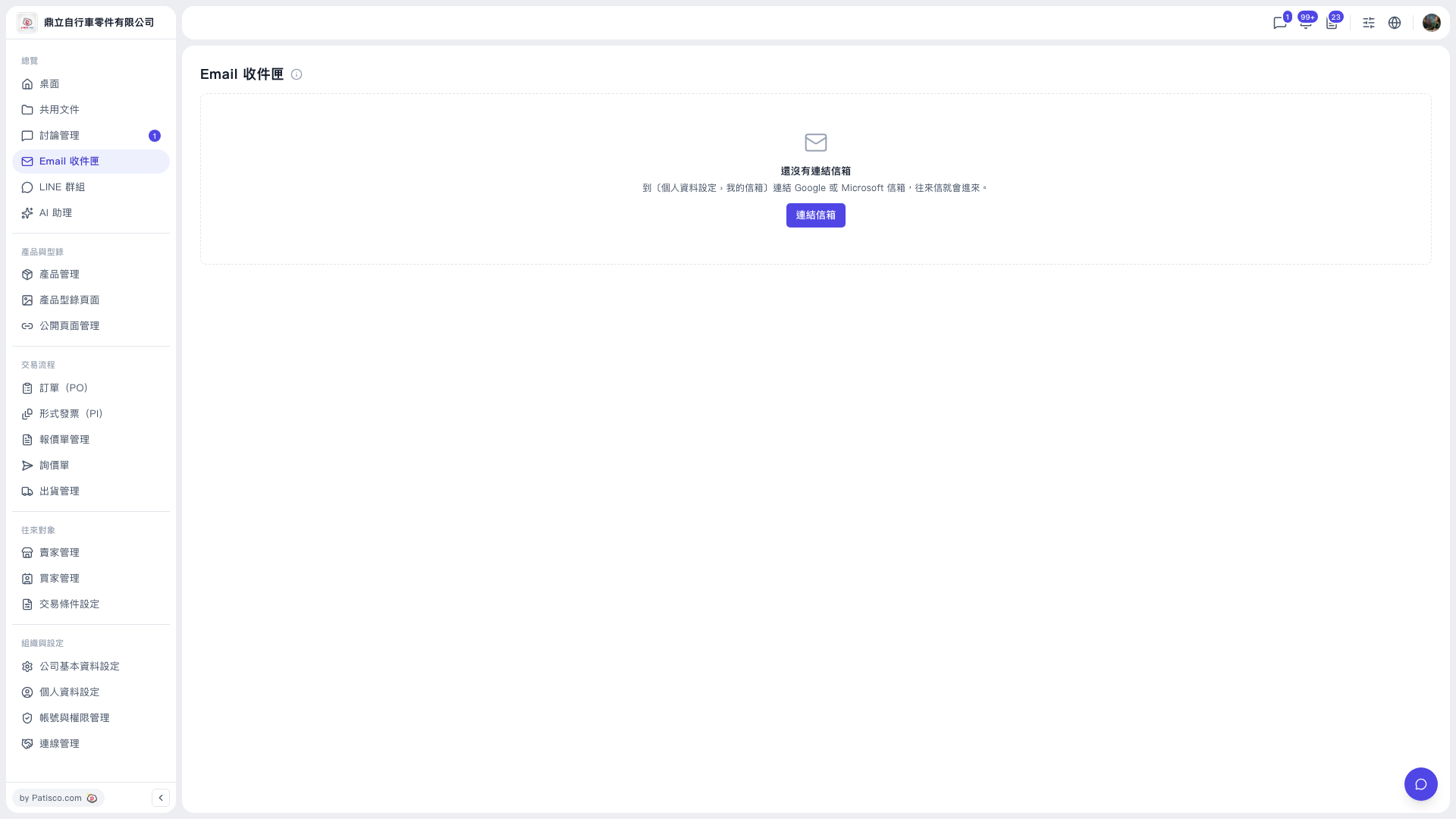
1. Click "Email Inbox" in the left sidebar to open the page. 2. When you see the message "No mailbox linked yet", click the "Link mailbox" button in the center. 3. Follow the on-screen instructions to choose a Google or Microsoft mailbox and complete authorization. 4. After linking is complete, return to "Email Inbox" and your correspondence will appear on this page.
Note: The tabs only appear after a mailbox has been linked, so it is normal to see only the empty state at first.
 V5 新桌面版|Email 收件匣