
1. Open the inquiry details page (for example SIM-INQ-F0070-1026). 2. Click "Compare changes" at the top right. This button compares the differences between the versions of the inquiry. 3. On the comparison screen, review the modified fields and items.
Tip: "Compare changes" is on the same row at the top right as "Discussion", "Print", "Edit", and "Send".
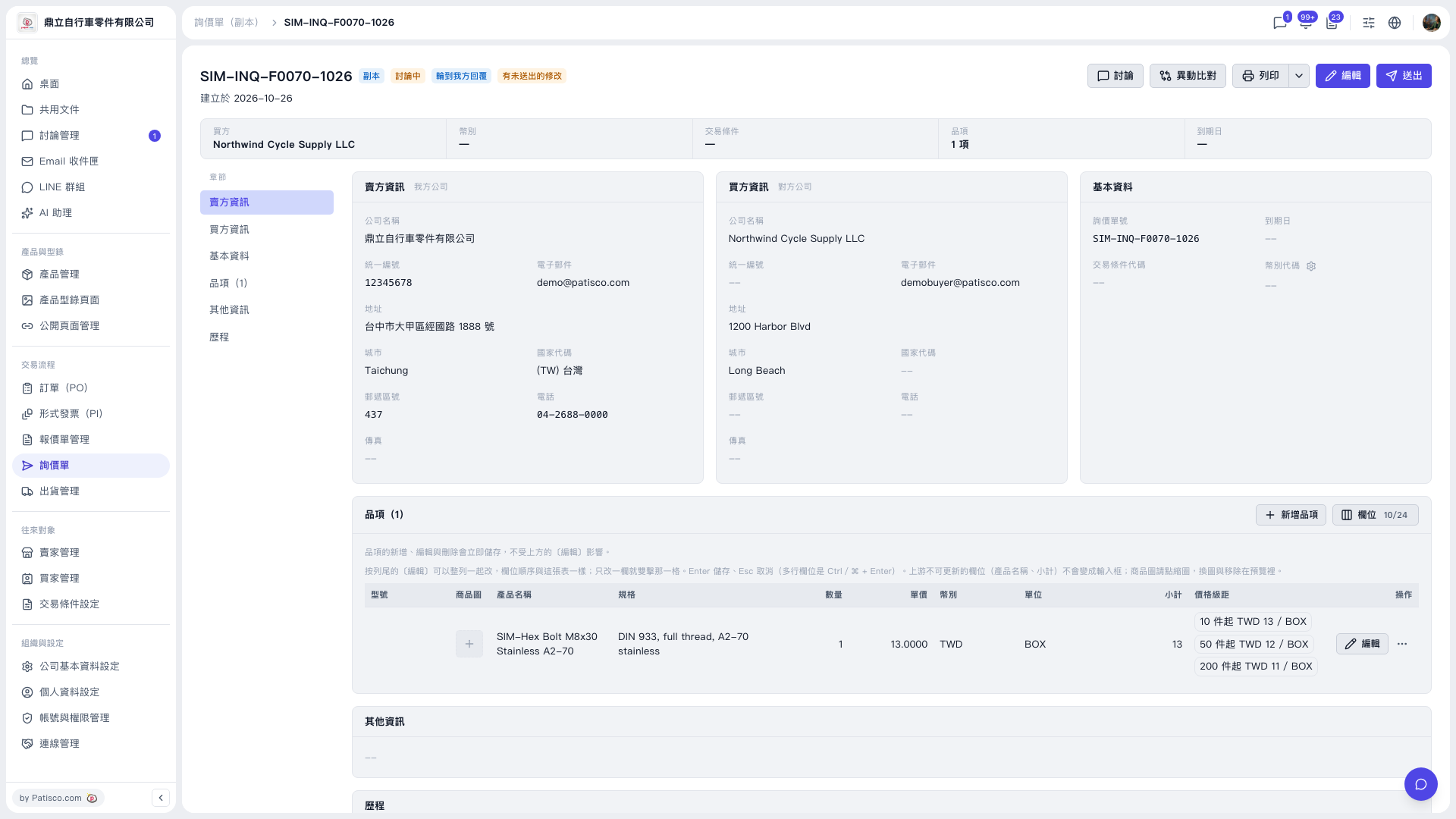 V5 新桌面版|SIM-INQ-F0070-1026(詢價單詳情,副本)