
1. To edit the whole document: click "Edit" at the top right and adjust the entire inquiry. 2. To edit only a single item: click "Edit" on the right side of that row in the item list to edit the whole row. 3. To add more items: click "Add item" at the top right of the item section. 4. After confirming the content is correct, click "Send" at the top right to send the changes to the other party.
Note: If the item table has too many columns or you can't see the column you want, click "Columns 10/24" at the top right of the item section to choose which columns to display.
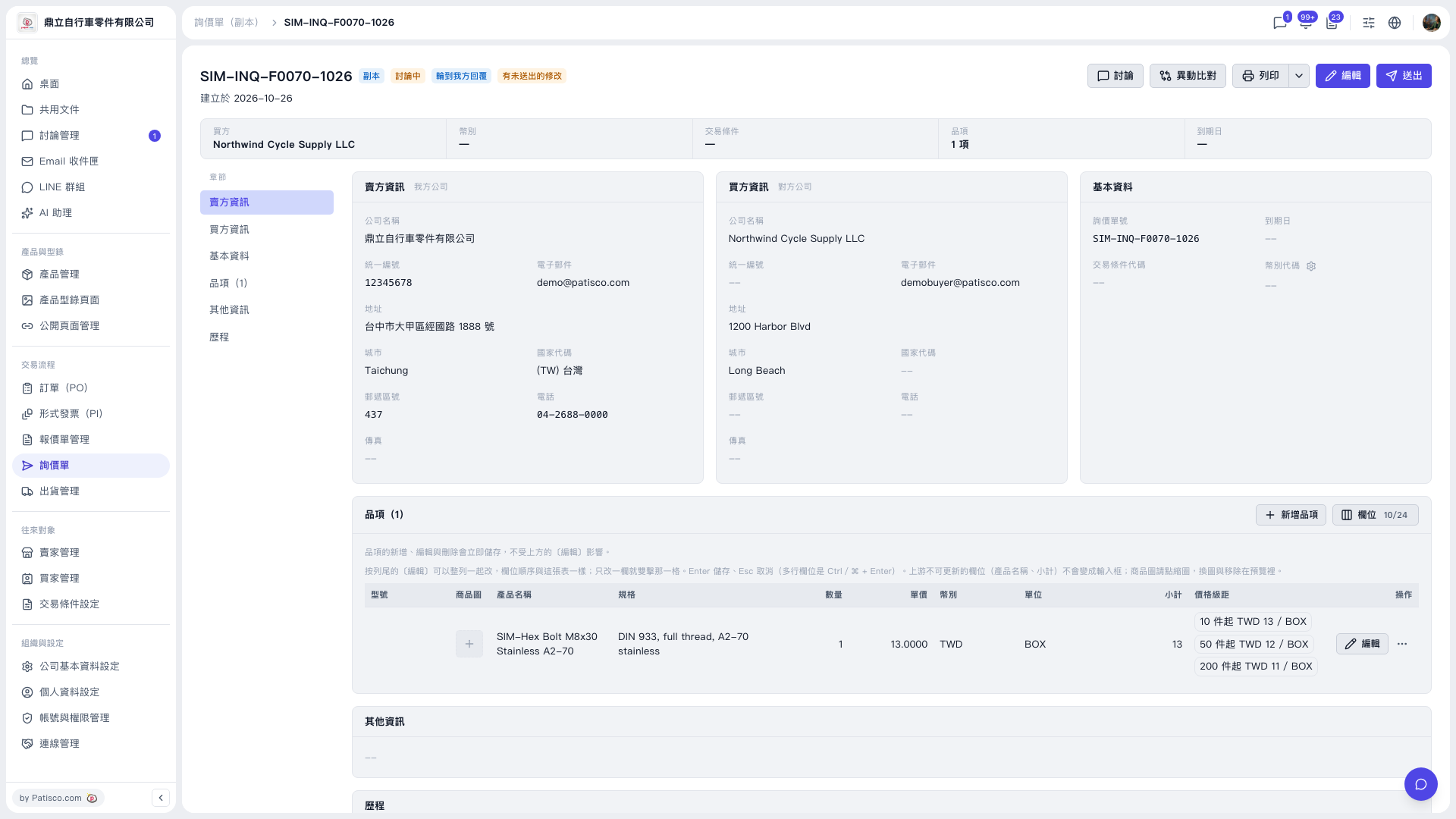 V5 新桌面版|SIM-INQ-F0070-1026(詢價單詳情,副本)