
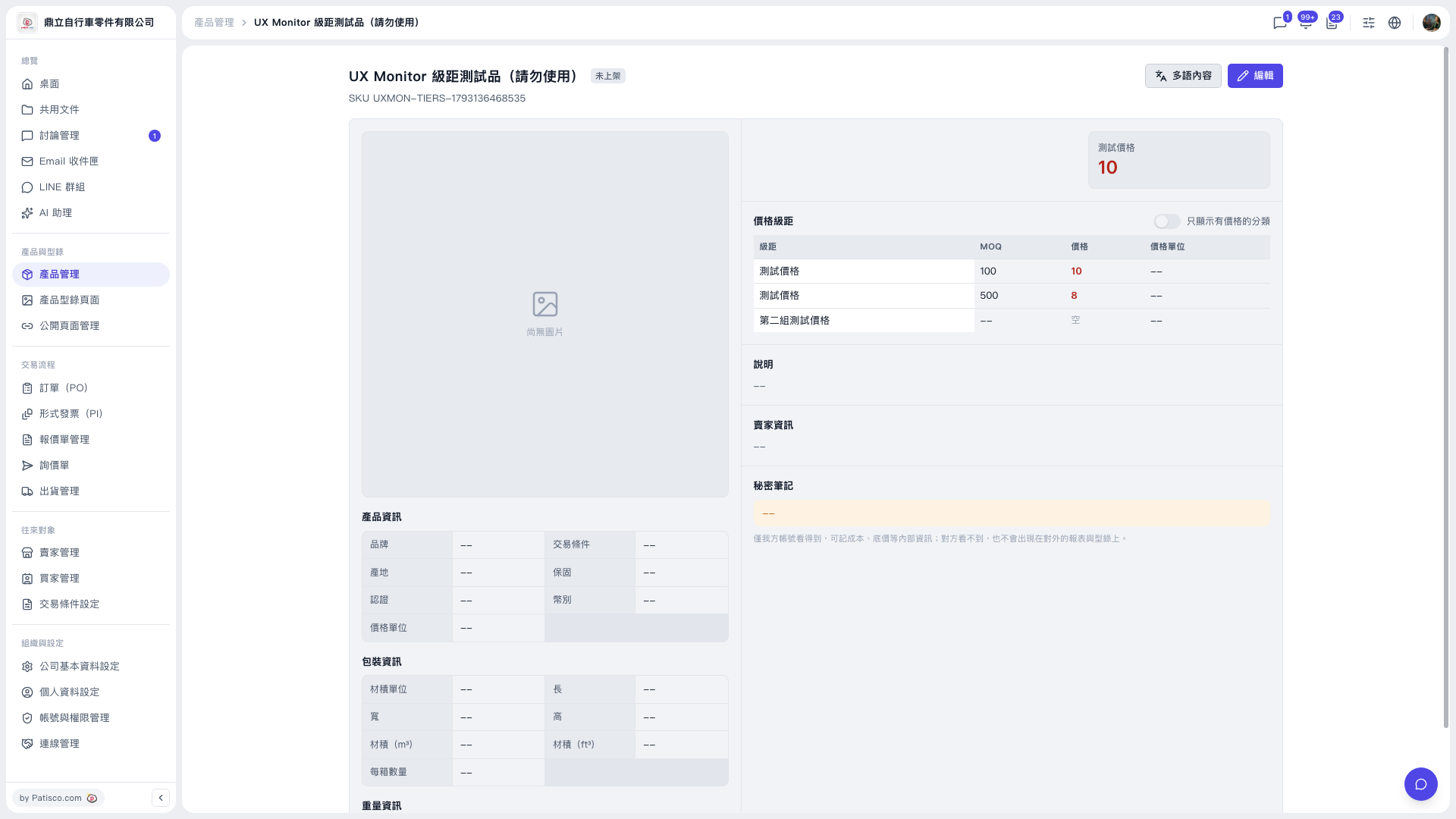
This is the system telling you that two tiers in the same price category use the same MOQ. Saving is blocked and your data is not changed. How to handle it: 1. Stay in edit mode and find the rows in the price tiers that have the same MOQ. 2. Change the MOQ of one of those rows to a different number (for example one 100 and one 500), or delete the extra tier. 3. Check that the price and price unit of each tier are correct, then save. 4. After saving, return to the detail page and check whether the price tier table has been updated. Tip: If you first want to confirm which tiers already have prices set, turn on the "Show only categories with prices" switch at the upper right of the Price Tiers section on the detail page.
 V5 新桌面版|UX Monitor 級距測試品(請勿使用)