
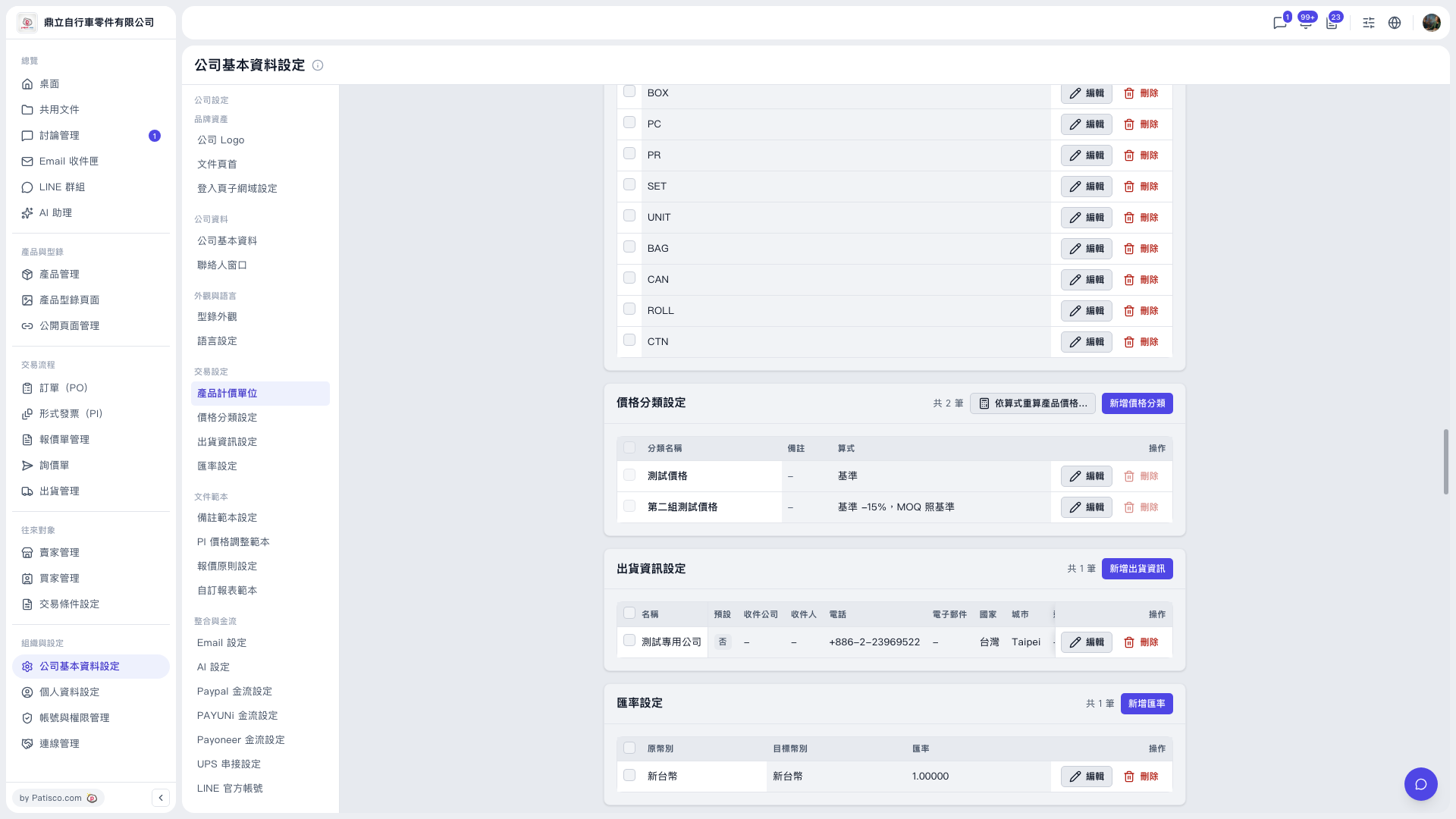
1. Go to the "Price Category Settings" section in "Company Profile Settings". 2. Click "Recalculate product prices by formula...". The window that appears shows a preview first. 3. Example with the demo account (Ding Li Bicycle Parts Co., Ltd.): the base is "Test Price" and the category to recalculate is "Second Test Price" (formula: base −15%, rounded to an integer, MOQ same as base). With the scope set to all products, the preview shows 19 rows in total: 13 to be added, 0 to be overwritten, 4 kept, and 2 skipped. 4. The main buttons in the window show the number of rows to be written; for example, both "Fill only" and "Overwrite all" show "Write 13 rows". Click only after you have confirmed everything is correct; do not click until you are sure.
Note: The "Delete" button in the price category list is currently grayed out and cannot be clicked. This is normal on this screen.
 V5 新桌面版|公司基本資料設定