
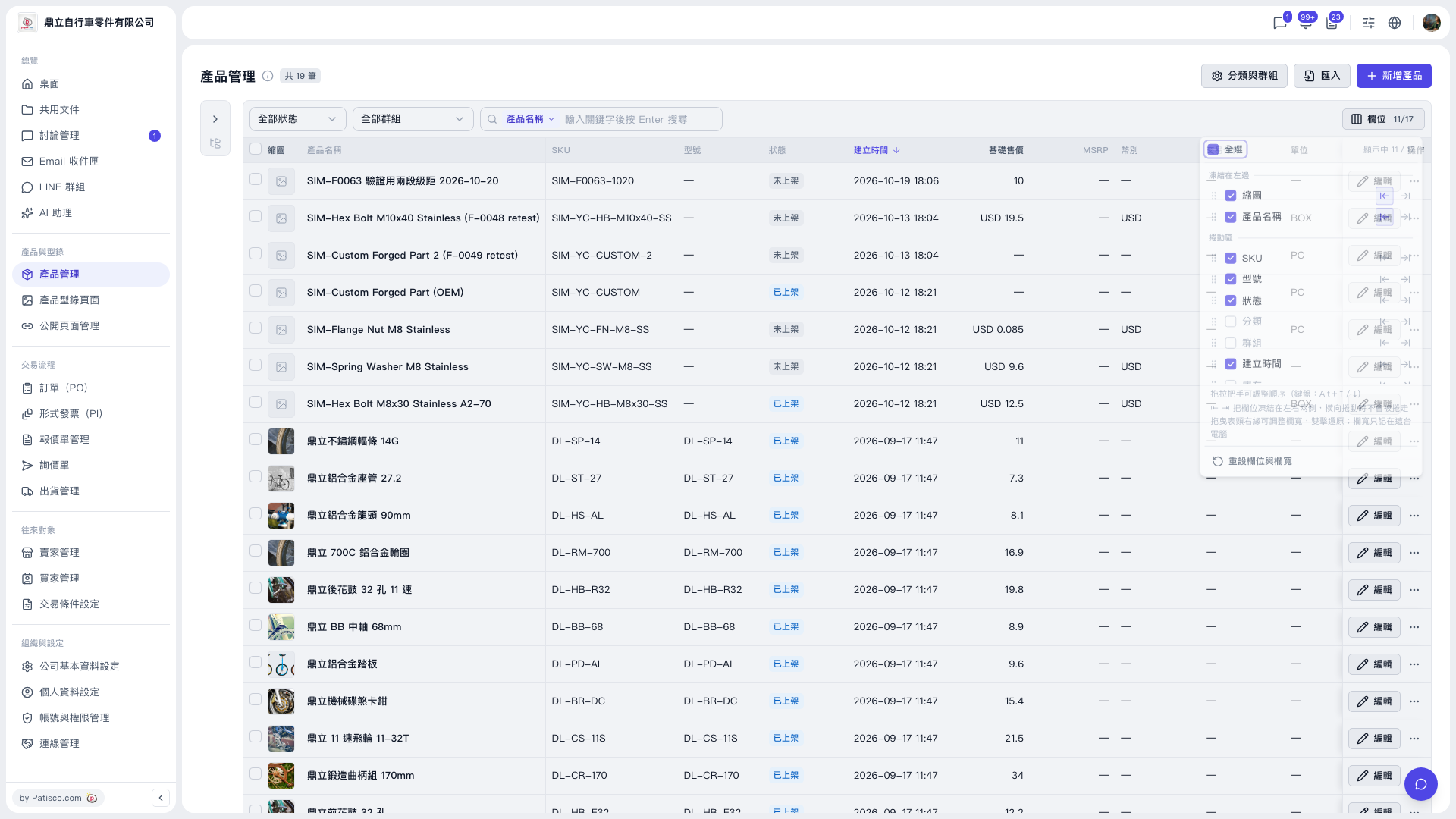
1. On the "Product Management" page, click the "Columns" button on the right side of the table toolbar to open the column panel. 2. Scroll to the bottom of the panel and click "Reset columns and widths". 3. The displayed columns and column widths will return to their default values.
Note: This action resets both the displayed columns and the column widths, so anything you adjusted earlier will be restored to the defaults.
 V5 新桌面版|產品管理