
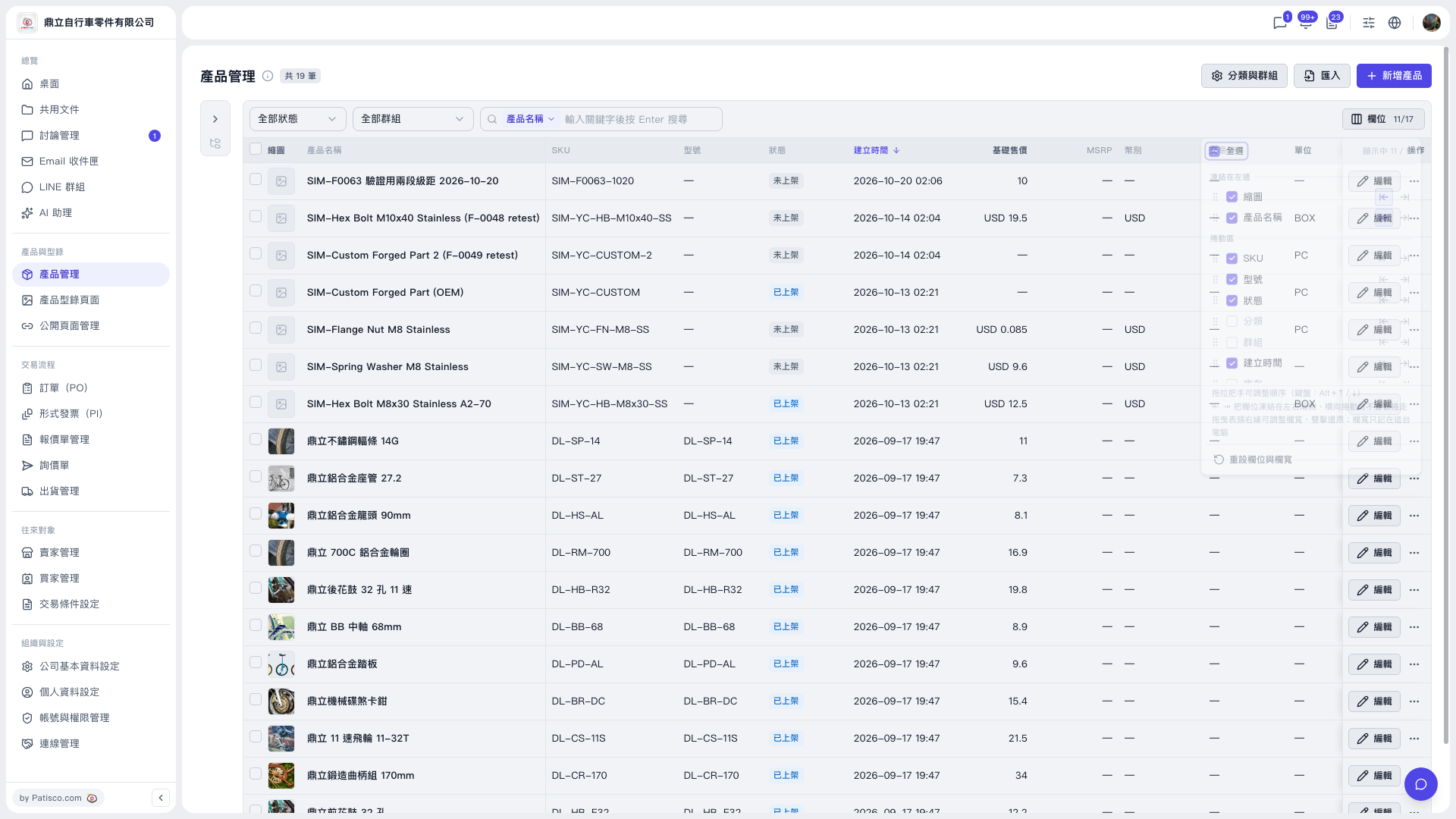
1. In the left sidebar, click "Product Management" under "Products & Catalog". 2. Click the "Columns 11/17" button on the right side of the toolbar above the table to open the column settings panel. 3. In the panel, check or uncheck columns to decide which ones the table displays. Additional options you can check are: Base price, MSRP, Currency, Trading Condition, Unit. Category and Group can also be set here. 4. After you finish checking, the table will show the columns you selected.
Note: "Columns 11/17" means 11 columns are currently shown out of 17 available. The numbers change as you check or uncheck columns.
 V5 新桌面版|產品管理