
1. Open the mobile Dashboard page and confirm that "Analytics v1.0" is selected in the tabs at the top. 2. In the "Sellers' Product Pages" section, scroll down through the seller cards. Each card shows the seller/company name, as well as Items (number of products), Currency, and Trading terms. 3. Tap the card you want to view (for example "Patisco 全服務" or "O2 City E-Bikes"), or tap the arrow on the right side of the card, to open that seller's catalog and product pages.
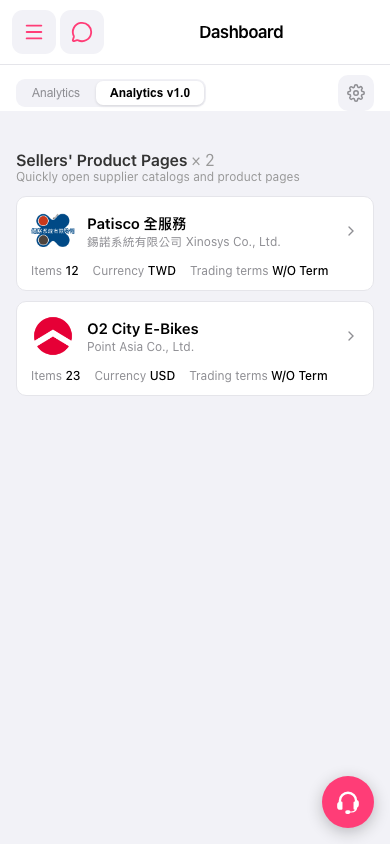 手機版|Dashboard