
1. Adjust display: tap "Settings (gear icon)" on the right side of the tab bar to open the Dashboard display settings. 2. Switch to other feature pages: tap the "menu icon (three lines)" at the top left to expand the sidebar, then select the page you want to go to. 3. View messages: tap the "chat icon" to the right of the menu icon at the top left. 4. Get help: tap the floating "customer support icon (headset)" at the bottom right to contact support.
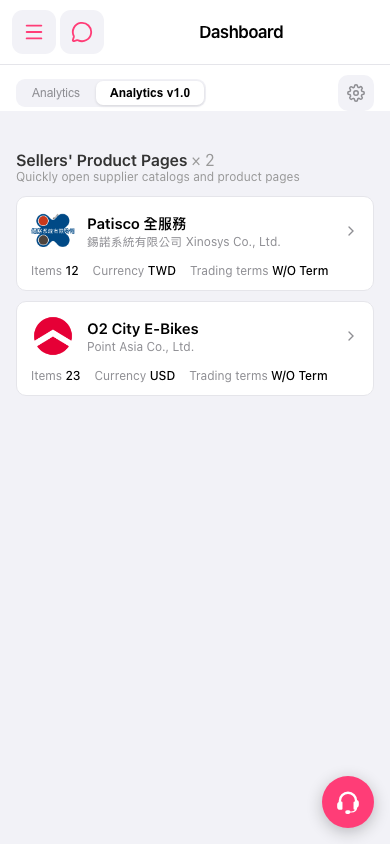 手機版|Dashboard