
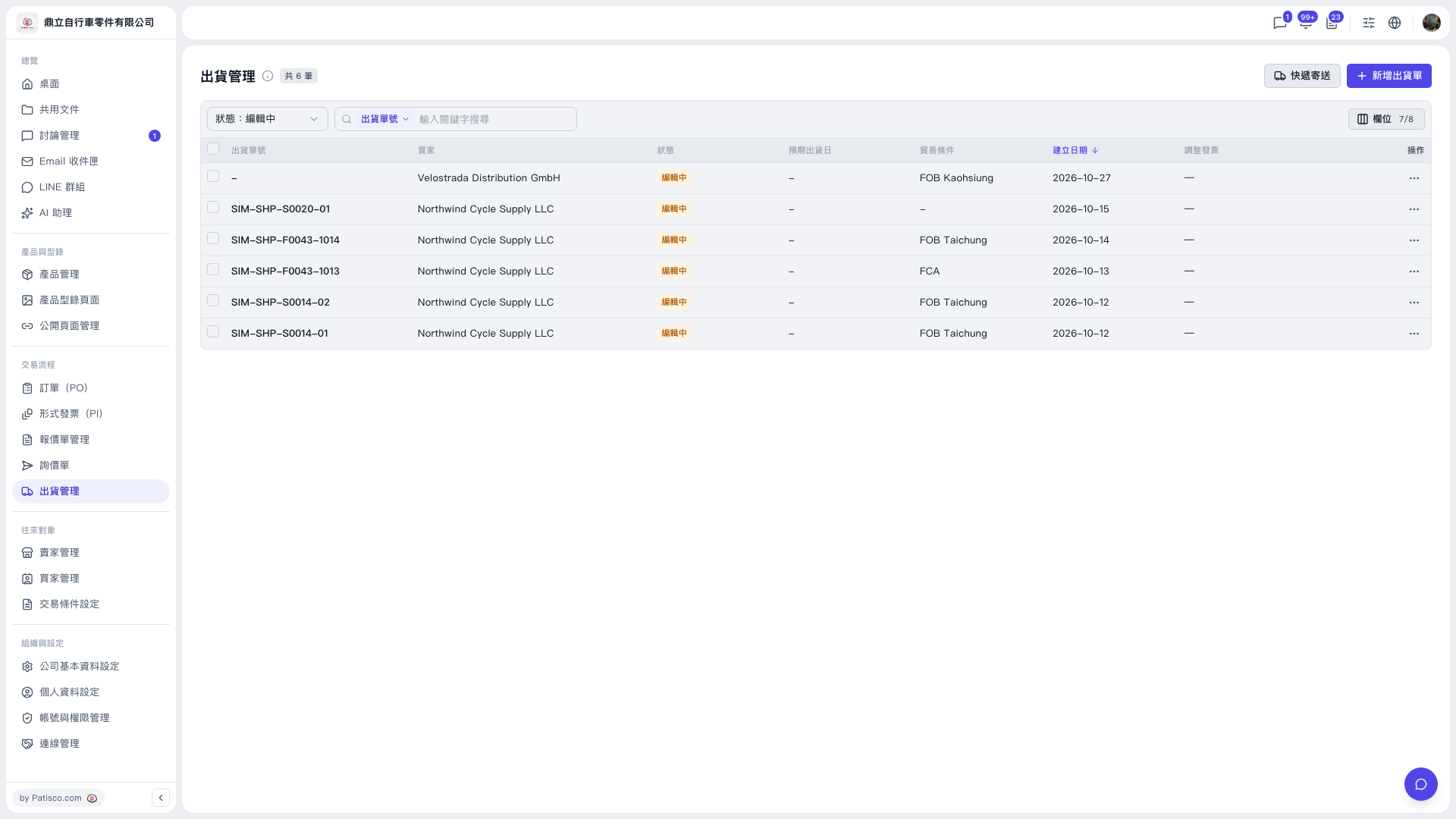
1. In the left sidebar, under "Transaction Flow", click "Shipping Management" to open the "Shipping Management" page. 2. Click the "Express Shipping" button at the top right (to the left of "New Shipment"). 3. Once in the express shipping function, create the express shipment as prompted on screen.
If you are not creating an express shipment but a regular shipment instead, click "New Shipment" at the top right.
 V5 新桌面版|出貨管理