
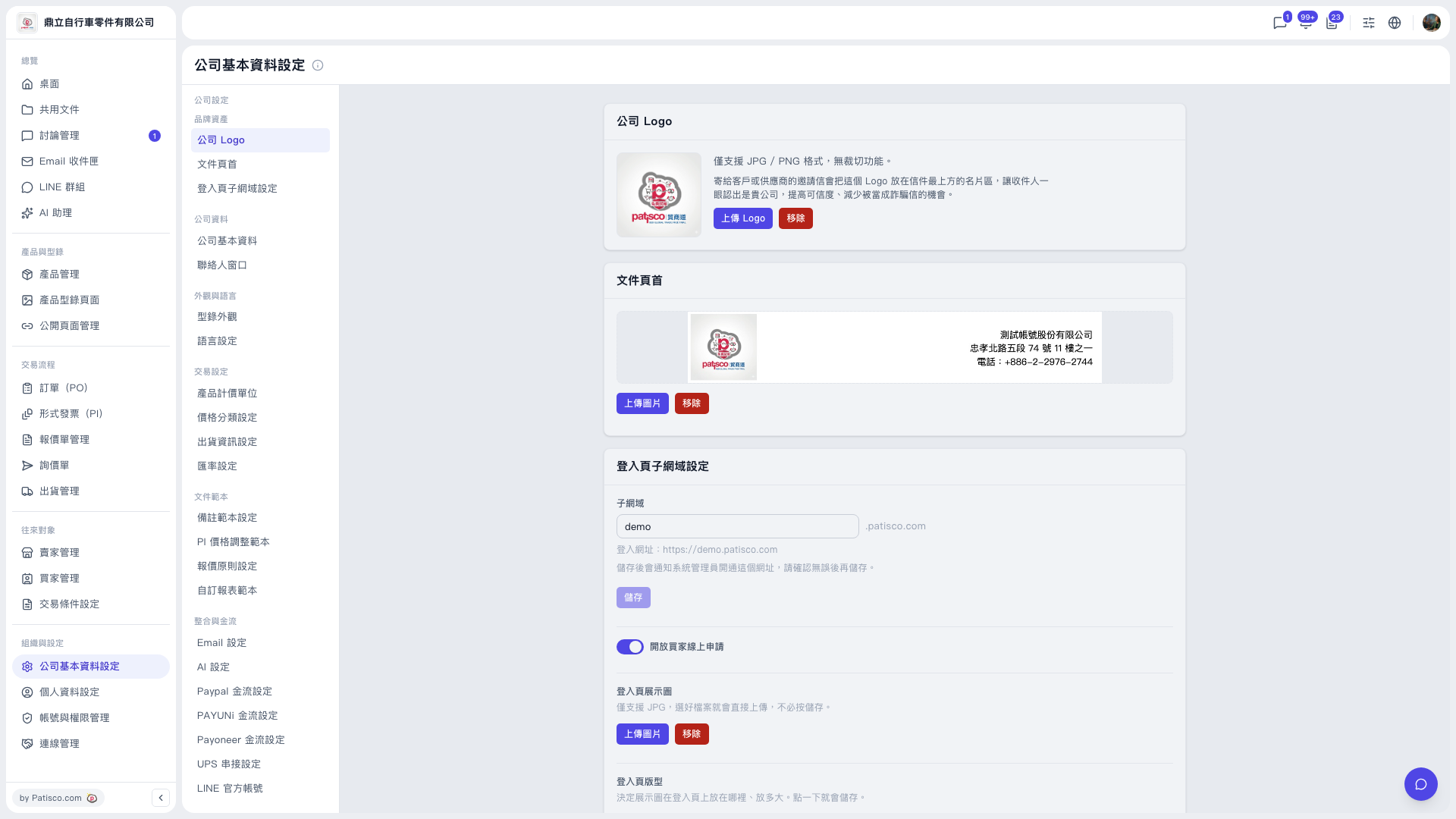
1. From the left sidebar, click "Organization & Settings" to go to "Company Profile Settings". 2. In the sub-menu within the page, find the "Integrations & Payments" group. 3. Click "UPS Integration Settings". 4. On the UPS settings screen, enter the information required for the integration and save.
Tip: After entering "Company Profile Settings", the screen stays on the "Company Logo" tab by default. You need to click "UPS Integration Settings" yourself to switch to it.
You can ask the AI assistant: "Is my UPS authorization connected?" The AI will reply: The current UPS authorization status is "Not connected (can connect)". You can go to "UPS Integration Settings" to connect.
 V5 新桌面版|公司基本資料設定