
1. Go to the "Shared Documents" page. 2. In the "Categories" panel on the left, click the "+" to the right of the title. 3. Follow the on-screen prompts to create the new category. Once created, it appears in the category list on the left, and you can select it to upload and manage files.
You can ask the AI assistant: "Is there a UPS bill of lading category?" The AI will reply: The UPS bill of lading category has not been created yet. You can then add it yourself using the steps above.
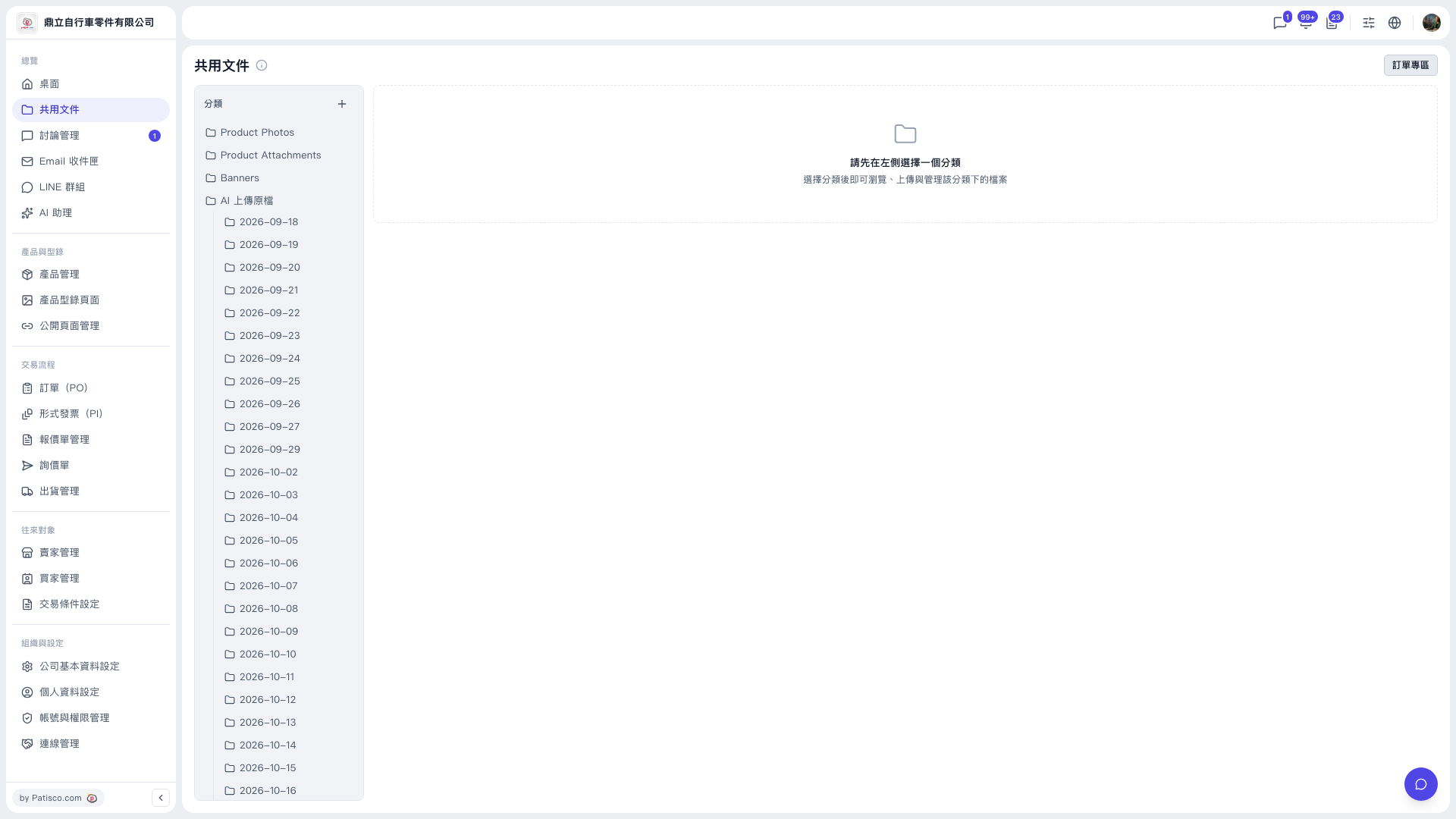 V5 新桌面版|共用文件